TL;DR

Get hardware and tech essentials delivered free — and shop member deals
- Fast, free delivery on millions of items
- Access to Prime Big Deal Days deals on October 6–7
- Prime Video, Amazon Music and more included
A cryptocurrency hardware wallet protects the private keys that authorize transactions; it does not hold coins or guarantee their safety. It can reduce exposure to malware by keeping keys isolated from your computer or phone, but you still need to verify transactions, protect your recovery phrase, and accept the risks of self-custody.
A small device on your desk can protect the keys to crypto worth far more than the device itself. But if someone copies its recovery phrase, that little gadget may not stand between them and your funds.
This guide explains what cryptocurrency hardware wallets protect, how they approve transactions, and what can still go wrong. You’ll also get practical steps for choosing and setting one up without treating “cold storage” as a magic shield.
A hardware wallet protects private keys used to authorize transactions; crypto assets remain recorded on their blockchains.
The recovery phrase may restore access without the original device, so anyone who gets it may be able to control the assets.
Read the address, amount, and available transaction details on the device before approving.
Buy through the manufacturer or an authorized seller, and treat a preloaded recovery phrase as a warning.
Compare wallets by supported assets, usability, backup design, privacy, and recovery needs; no device removes every risk.
What a hardware wallet protects (and what it doesn’t)
A cryptocurrency hardware wallet is a physical device designed to protect the private keys that authorize crypto transactions. It keeps those keys apart from your everyday computer or phone and typically signs transactions on the device itself. The blockchain records the assets; the wallet protects the keys used to control them.
Think of it like a key ring, not a coin purse. If you hold a token, its record sits on a blockchain; the hardware wallet helps prove that you can authorize a change to that record. It doesn’t insure your holdings, recover a mistaken transfer, or protect you from a market loss.
For example, if malware on your laptop tries to replace a destination address, a device that shows transaction details can give you a chance to catch the change before approving it. That chance depends on what the device displays and whether you actually check it.
The device protects key access. You remain responsible for the backup, the approval, and the destination address.
How signing keeps your private key off your computer
A hardware wallet signs a transaction using a private key inside the device, then sends the signed transaction to your connected computer or phone. The device doesn’t need to hand over the private key to let the app broadcast that transaction. This separation can limit the harm from malware on a general-purpose device.
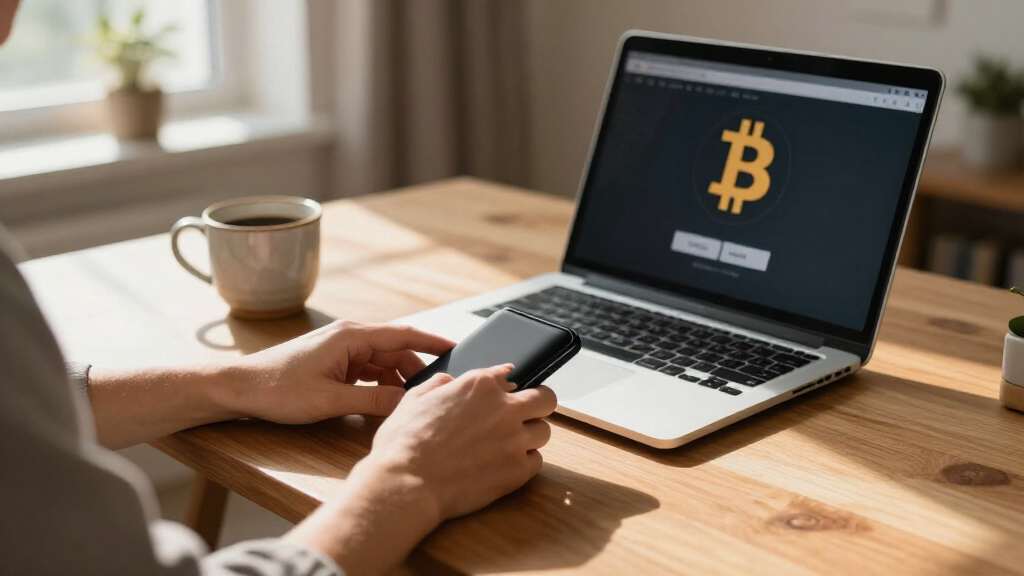
Imagine sending a small test payment to a new address. Your companion app prepares the transaction, the wallet displays details for you to approve, and the connected device broadcasts the signed result. The approval screen is your last checkpoint, so inspect the address and amount instead of tapping through by habit.
Some devices connect by USB, Bluetooth, NFC, or QR code. Each method changes how you connect and what convenience you get; the label alone does not prove a device is safe or unsafe. Likewise, clear-signing features can make some smart-contract requests easier to read, but complex requests may still be hard to verify fully.
Hardware wallet vs exchange: who holds the keys?
A hardware wallet puts key control in your hands, while an exchange usually holds the keys for assets kept in its custody. With self-custody, you take on responsibility for recovery and transaction approvals. With a custodian, you rely on that service to manage access and process withdrawals.
Imagine you need to move funds quickly while traveling. An exchange account may be easier to access, but you rely on the platform’s systems and policies. A hardware wallet can offer more direct control, but losing the recovery phrase may leave you with no way back in.
| Feature | Hardware wallet | Custodial exchange |
|---|---|---|
| Who controls the keys? | You, through your device and backups | The provider |
| Recovery responsibility | Usually yours | Usually handled through the account provider |
| Main tradeoff | More control, more personal responsibility | Convenience, with dependence on the provider |
Neither setup removes every risk. Compare them based on your ability to protect backups, the service’s reliability, your privacy needs, and how often you need access.
Set up your wallet and protect its recovery phrase
To set up a hardware wallet, get an authentic device, create its backup yourself, and check the details of a small test transaction before relying on it. A recovery phrase can restore access if the device breaks, but anyone who obtains the phrase may be able to take the assets it controls.
- Buy from the manufacturer or an authorized seller. A device arriving with a prewritten recovery phrase is a serious warning sign.
- Follow the maker’s setup instructions. Let the device generate its own recovery phrase; never use one supplied by a seller or stranger.
- Write the phrase down and store it privately. Don’t share it, photograph it, or enter it into an unexpected website, app, or support conversation.
- Install the companion app from an official source. The app is part of the process, so check that it is genuine.
- Send a small test transaction. Read the address and amount on the wallet screen before approving.
For instance, before moving a larger balance, you could send a small amount to your wallet, confirm it arrives, then test a return transfer. This adds a step, but it can expose a setup or address mistake while the stakes are lower.
Paper is easy to create but can burn, tear, or get wet; metal backups may resist some physical damage, though they still need secure storage. Choose a backup method you can read, protect, and pass on if needed. If you lose both the device and the recovery phrase, access may be gone for good.
Know the risks that a hardware wallet cannot remove
A hardware wallet reduces some online exposure, but it cannot guarantee that your funds stay safe. You can still be tricked into approving a malicious transaction, use a counterfeit or compromised device, mishandle a backup, or send funds to the wrong address. Blockchain transactions generally cannot be reversed after confirmation.
For example, a scammer posing as customer support might say your wallet needs an urgent recovery check and ask for your phrase. Sharing it could give them access without the device. Legitimate support should not need your recovery phrase.
- Check the full address and amount on the device before approval.
- Pause on unexpected requests to connect a wallet or approve a smart-contract action.
- Check current manufacturer documentation for supported networks, recovery options, and device features.
- Plan for loss, damage, and inheritance without making the backup easy for others to find.
Support for many tokens or networks does not mean every transaction is easy to inspect. Design choices such as secure-element chips, open firmware, passkeys, or social recovery involve different tradeoffs; no single feature label proves a wallet is safe for your situation.
Choose a wallet around how you’ll really use it
The right hardware wallet depends on the assets and applications you use, how you want to back up access, and whether you can comfortably verify transactions on its screen. There is no universal best wallet, and a long feature list cannot replace a setup you understand.
Say you mostly hold a few supported assets and rarely transact. A straightforward device with a backup process you can manage may fit better than one packed with features you won’t use. If you interact with decentralized apps, check how the wallet handles your networks and whether it shows enough detail for the approvals you expect.
Passphrases and alternative recovery services can change the recovery process and who you trust. Before choosing one, make sure you understand what happens if you forget a passphrase, lose access to a service, or need someone else to recover your funds. Keep the risk of total loss in view: a hardware wallet protects access to crypto assets, not their market value.
Frequently Asked Questions
Does a hardware wallet actually store cryptocurrency?
No. Your crypto assets are recorded on a blockchain; the hardware wallet protects the private keys used to authorize transactions. It’s closer to a key ring than a coin purse.
What happens if my hardware wallet breaks?
If you still have the recovery phrase, you can generally use it with a compatible wallet to restore access. Protect the phrase carefully: anyone who obtains it may be able to access the assets.
Is a hardware wallet safer than keeping crypto on an exchange?
They involve different responsibilities and risks. A hardware wallet gives you more direct control but makes you responsible for backups and approvals; with an exchange, you depend on the provider to manage custody and account access.
Can I enter my recovery phrase into a support website?
Do not enter your recovery phrase into an unsolicited website or app or share it with support. A person with the phrase may be able to take the assets, even without your hardware wallet.
Conclusion
Remember the simplest rule: your device protects the keys, while your habits protect the process. Verify each approval, keep your recovery phrase private, and choose a setup you can recover from.
A hardware wallet can be a sturdy lock. The recovery phrase is still the spare key.
Fall Picks
fall essentials
As an affiliate, we earn on qualifying purchases.