🔍 Read the full analysis: Inside Our Plan To Set Up A UGREEN NASync DXP6800 Pro For AI on ThorstenMeyerAI.com

Get hardware and tech essentials delivered free with Prime
- Fast, free delivery on millions of items
- Prime Video, Amazon Music and more included
- Member-only deals all year
TL;DR
ThorstenMeyerAI.com says its UGREEN NASync DXP6800 Pro has arrived, but the NAS is not yet connected or configured. The planned setup uses four 16 TB drives for RAID 6 backups and an NVMe SSD for containers; the owner says it must pass two acceptance tests before deployment.
ThorstenMeyerAI.com has received a UGREEN NASync DXP6800 Pro to replace part of its current backup setup, but the device is not yet connected to the network and has not passed its planned acceptance tests. The November 1 report outlines a proposed configuration for the site’s small AI and publishing operation, after duplicate iCloud sync files nearly filled a database server.
Thorsten Meyer says that on September 17, 29 conflicting database-dump copies had left one server with 2% free disk space. The copies resulted from two machines uploading files with the same name to an iCloud folder. A separate backup cleanup job timed out on October 29 while iCloud was busy, according to the report. Meyer says the incident led him to stop treating a sync service as a backup.
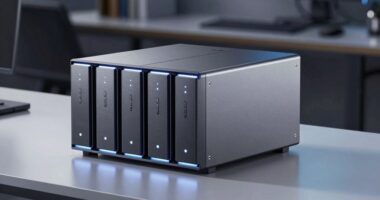
The planned hardware includes four Seagate IronWolf Pro 16 TB drives in RAID 6, which Meyer estimates would provide about 32 TB of usable capacity, plus one NVMe SSD in a separate pool for containers and test databases. The NAS has six drive bays; the plan leaves two empty for future expansion. Meyer says he chose this model over a four-bay alternative to allow capacity to grow without replacing existing drives.
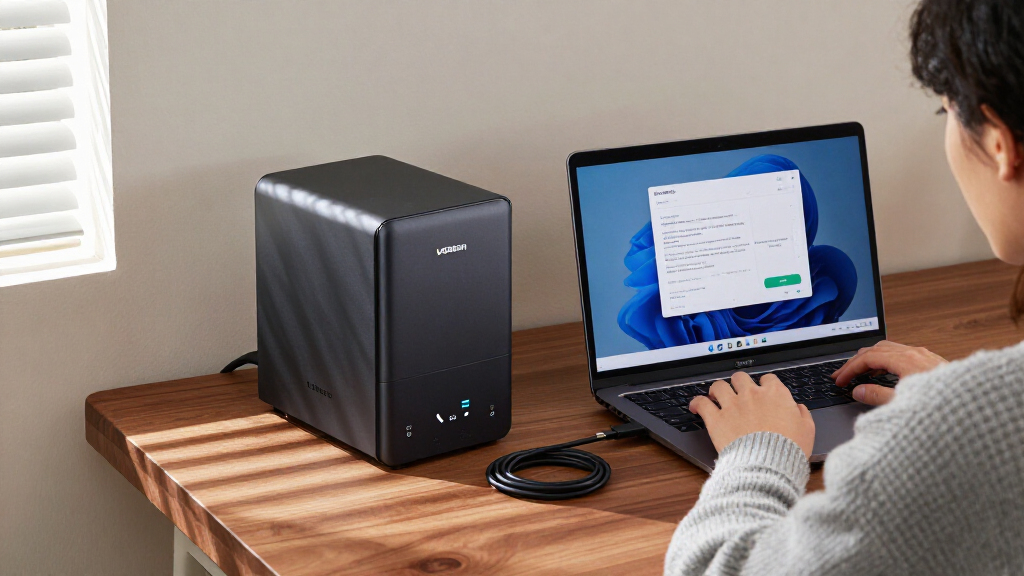
The report says the NAS has been bought and equipped, but the existing backups remain in place: Time Machine disks attached to two Macs and an iCloud copy of the nightly database dump. Meyer says the first tests will check whether Time Machine works with a non-admin account and whether snapshots are protected from that account. If either test fails, he says he will return the NAS.
Infographic 01 · The box
Six bays, two fast slots, two 10GbE ports
What UGREEN lists for the NASync DXP6800 Pro, and how we plan to fill it.
How we fill it
Delivered and equipped; the setup is our plan (1 Nov 2026)
Bays 1–4: Seagate IronWolf Pro 16 TB, RAID 6, Btrfs → ≈ 32 TB usable, any two drives may fail. Bays 5–6: free for growth. M.2 slot 1: the NVMe SSD (ordered: Samsung 990 Pro 1 TB) as its own fast pool. Slot 2: free. Six 16 TB drives in RAID 6 would give ≈ 64 TB.
What else UGREEN lists
From the product page, not measured by us
- Separate 128 GB SSD for the operating system, UGOS
- RAID: JBOD, Basic, 0, 1, 5, 6, 10
- 1× PCIe x4 · 2× Thunderbolt 4 · 8K HDMI · SD card reader
- Power: 43.07 W drives in use · 24.91 W drives in hibernation
- Stated maximum: 208 TB with 32 TB drives · 3-year warranty
Why six bays: with RAID 6, two drives always hold parity. In four bays that leaves half the raw space usable; with all six bays filled it becomes two thirds.
Sources: UGREEN DXP6800 Pro product page, checked 1 Nov 2026; Seagate IronWolf Pro data sheet DS2129.4; our setup plan, 6 Oct 2026.
Powered by Thorsten Meyer AI
A Local Copy for Faster Recovery
The plan addresses a practical distinction for small AI operations: syncing files is not the same as preserving recoverable backups. A sync service can reproduce deletions or conflicts across devices, while a local NAS could provide another copy on the office network. Meyer says a local restore of hundreds of gigabytes should be faster than downloading it over the office internet connection, though that benefit has not yet been measured on this system.
The proposed safeguards also matter because a network storage device is not automatically protected from mistakes or compromised accounts. Meyer plans separate non-admin accounts and quotas for each Mac, daily snapshots those accounts cannot access or delete, and an encrypted offsite copy using restic to Backblaze B2 with Object Lock. These are planned protections, not tested results. The NAS would add a recovery route, but it would not prevent the reported Mac crashes or replace an offsite copy.
The setup is relevant to readers running databases, AI models, or content tools on a few office machines rather than dedicated data-center infrastructure. It shows the trade-offs in the proposed approach: more local control and capacity, but also hardware expense, configuration work, and the need to verify that backups can actually be restored.
Products Worth Considering

Apple MacBook Pro with M5 Max 18-core CPU 20-core GPU 14.2-inch Display 48GB Memory 2TB SSD Space Black

Apple MacBook Pro 16.2-inch with M5 Pro, 18-core CPU, 20-core GPU, 24GB Memory, 1TB SSD, Space Black

Apple MacBook Pro 2023 with M2 Pro Chip, 14‑inch, 16 GB RAM, 512 GB SSD – Space Gray
As an affiliate, we earn on qualifying purchases.
The Failures Behind the Purchase
Meyer describes a small fleet of Macs: one runs the publishing system’s main Postgres database, another serves local AI models, and others handle content pipelines and tests. Measurements from October 6 put the main desk machine at about 2.6 TB used, the database server at about 744 GB, and the model server at about 3.2 TB, mostly model files that can be downloaded again. The report puts the current backup need at roughly 6 to 8 TB.
The database server has also experienced recurring kernel panics since August. Meyer says the worst period involved crashes roughly every five days, and a crash on August 8 caused 2¼ hours of database downtime. A NAS cannot prevent a computer failure, but a separate local backup could shorten recovery if the backup is current and usable. Meyer also says test databases running in Docker had expanded to about 30 GB on his laptop.
The report cites the 3-2-1 backup rule described in a US-CERT guide: keep three copies of important data, on two types of media, with one copy offsite. Meyer presents the NAS as a local copy, not a full substitute for cloud storage. He says he will not use UGREEN’s cloud mirror as the offsite backup and does not plan to expose the NAS to remote internet access.
“That was the day I stopped treating a sync service as a backup.”
— Thorsten Meyer, ThorstenMeyerAI.com
Deployment and Restore Results Pending
The NAS has not been connected or configured, and the two acceptance tests have not run. The report therefore provides a setup plan, not evidence that Time Machine backups, protected snapshots, or restores work as intended. It also does not report results from a full recovery test or measure actual transfer speeds.
It remains unclear when rollout will begin, whether the planned RAID 6 and separate SSD pools will be configured as described, and whether the offsite restic copy with Object Lock will be established. The NAS’s effect on recovery time, drive noise, and day-to-day reliability is also unknown. Meyer says the purchase was self-funded; UGREEN did not provide a sample or sponsor the article, according to his disclosure.
Acceptance Tests Before Rollout
Meyer says the next step is to run the two acceptance tests: confirm Time Machine works using a non-admin account, and verify that the same account cannot see or delete snapshots. The NAS is to be returned if either test fails. Until then, the existing Time Machine disks and iCloud database-dump copy remain the active backup arrangement.
If the tests pass, the planned rollout would place backup data on the RAID 6 array, keep containers and test databases on the NVMe SSD, and add an encrypted offsite copy. Meyer says disk-heavy work would run from 20:00 to 06:00, with drives intended to sleep during office hours. He says he will report real results after the system is running; no completion date is given.
Key Questions
Is the UGREEN NAS already backing up the site’s computers?
No. Meyer says the device has been delivered and equipped but is not yet on the network or configured. The existing backups remain in operation.
How much storage does the planned setup provide?
The proposed four-drive RAID 6 arrangement uses four 16 TB drives and is estimated by Meyer to provide about 32 TB usable capacity. That is a planned figure, not a tested result.
Why choose a six-bay model over a four-bay NAS?
Meyer says the six bays provide room to add drives later without replacing the initial drives. The plan currently uses four bays and leaves two empty.
What must happen before the NAS is deployed?
It must pass tests for Time Machine access through a non-admin account and for snapshots that the account cannot access or delete. Meyer says the NAS will be returned if either test fails.
Will the NAS replace the offsite backup?
No. The plan calls for an encrypted offsite copy to Backblaze B2 using restic, alongside local storage. Meyer says he does not plan to rely on UGREEN’s cloud mirror as the offsite backup.
Source: ThorstenMeyerAI.com