To stop dead zones with mesh Wi-Fi, focus on proper placement of your main router and nodes. Keep the primary device high, central, and away from interference sources like microwaves or thick walls. Position nodes within 20-30 feet of each other, avoiding obstacles that weaken signals. Using tools like signal meters or mesh apps helps optimize locations. Follow these guidelines, and you’ll discover how strategic placement can maximize coverage and eliminate dead spots.
Key Takeaways
- Place the main router centrally, high, and away from interference sources to maximize coverage and reduce dead zones.
- Position mesh nodes within 20-30 feet of each other to maintain strong, seamless communication.
- Elevate units on shelves or walls, avoiding thick walls and metal objects that block signals.
- Refrain from placing nodes near interference sources like microwaves and cordless phones.
- Use coverage tools and heatmaps to optimize placement, ensuring balanced coverage and eliminating dead spots.
Why Proper Placement Is Critical for Mesh Wi-Fi Performance

Proper placement is essential for maximizing the performance of your Mesh Wi-Fi system. When you position your nodes carefully, you minimize interference sources that can disrupt signal quality. Keep your devices away from thick walls, metal objects, and electronic appliances like microwaves, which can cause interference and slow your network. Additionally, consider device compatibility; place nodes where they can connect seamlessly with your existing devices without signal drops. Proper placement ensures that each node communicates effectively, providing consistent coverage and speed. If nodes are too far apart or placed near sources of interference, your network’s performance suffers, resulting in dead zones and sluggish connections. By paying attention to placement, you optimize your Mesh Wi-Fi system’s capabilities and enjoy a reliable, fast internet experience. Energy-efficient design plays a key role in sustainable home network solutions, helping reduce energy consumption while maintaining high performance. Ensuring optimal placement also involves understanding signal propagation, which impacts how well your network covers different areas of your home or office. Additionally, maintaining proper node distribution helps prevent overload on individual units and maintains network stability.
How to Find the Best Spot for Your Main Router
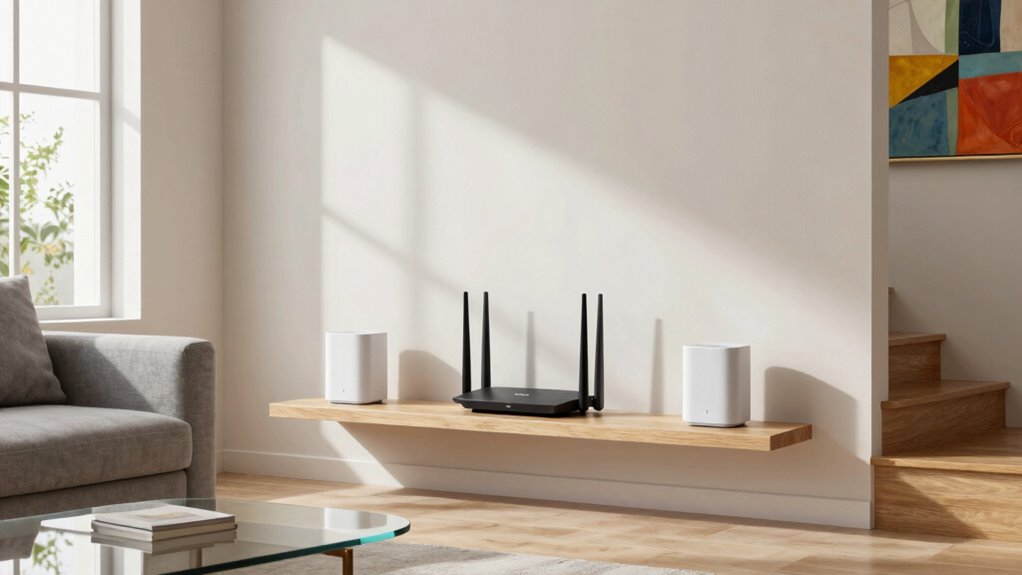
To guarantee your Mesh Wi-Fi system performs at its best, you need to find the ideal spot for your main router. Place it centrally, high up, and away from interference sources like cordless phones, microwaves, or thick walls. This setup helps with interference mitigation, ensuring a strong, stable signal. Consider aesthetic integration, too—choose a location that blends well with your decor and isn’t an eyesore. Avoid placing the router in closets or behind furniture, as these can block signals. Keep it accessible for setup and maintenance, but discreet enough to maintain your space’s look. A well-placed router reduces dead zones and maximizes coverage, giving your entire home reliable internet. Proper placement is the key to seamless connectivity and ideal performance. Understanding electrical concepts can help you recognize and reduce interference sources in your home, leading to improved signal quality and overall network stability. Additionally, being aware of electromagnetic interference sources can help you optimize your router placement further, as electromagnetic interference can significantly impact your Wi-Fi performance. Being mindful of interference mitigation strategies can further enhance your network’s stability and coverage.
The Essential Placement Rule: Keep Mesh Nodes Within Range

To guarantee your mesh system works smoothly, you need to keep the nodes within effective range of each other. Proper spacing maintains strong signal strength and prevents dead zones. Adjusting node placement based on ideal distance is key to maximizing your Wi-Fi coverage. Considering indoor environment factors can also help you optimize node placement for better performance. Additionally, understanding the role of color accuracy in your home network setup can assist in fine-tuning signal distribution for optimal coverage. Paying attention to interference sources within your environment can further enhance your mesh network’s reliability and coverage. Being aware of smart device placement can help reduce signal interference and improve overall network stability. Monitoring signal strength variations across your space can help identify the best node locations for consistent coverage.
Optimal Node Spacing
Ensuring mesh nodes are within range of each other is essential for maintaining a strong, seamless Wi-Fi connection across your home. Proper node spacing prevents dead zones and optimizes network performance. To achieve this, consider the following:
- Keep nodes close enough to avoid interference mitigation issues caused by overlapping signals
- Confirm compatibility with all your devices to prevent connection drops
- Regularly test the signal strength between nodes and adjust placement accordingly
Maintaining ideal spacing helps reduce interference and ensures smooth communication between nodes. It’s especially important if you have a variety of connected devices, as some may be more sensitive to interference. Proper placement also ensures your devices stay connected without sacrificing speed or reliability, creating a consistent Wi-Fi experience throughout your home.
Signal Strength Maintenance
Maintaining strong signal strength between your mesh nodes is key to a reliable Wi-Fi network. If nodes are too far apart, connection drops and slower speeds occur, creating dead zones. To assure consistent coverage, keep nodes within effective range, typically 20-30 feet, depending on your devices. This placement not only enhances network security by reducing unauthorized access points but also ensures device compatibility, so all your gadgets connect smoothly. Avoid placing nodes behind thick walls or large metal objects, which weaken signals. Regularly check signal strength through your router’s app or admin panel, adjusting placement as needed. Staying within range guarantees optimal performance, stronger security, and seamless device compatibility—keeping your mesh system reliable and dead-zone free. Additionally, understanding Free Floating principles can help optimize your setup by allowing flexible placement options that adapt to your backyard or indoor environment. Furthermore, considering interference sources can help prevent signal degradation and improve overall network reliability. To further optimize placement, be mindful of channel congestion caused by nearby networks or electronic devices, which can also impact signal quality. Being aware of the environmental layout can guide you in positioning nodes for maximum coverage and minimal interference.
Positioning Satellites for Maximum Coverage and Speed

Have you ever wondered how the placement of satellites in a mesh Wi-Fi system impacts your overall coverage and connection speed? Proper positioning ensures ideal performance by minimizing interference sources and boosting device compatibility. To maximize coverage and speed:
- Place satellites centrally, avoiding walls and obstacles that block signals.
- Keep satellites a few rooms apart, not too close or too far, to ensure a strong, consistent link.
- Avoid areas with high interference sources like microwaves or cordless phones, which can disrupt signals.
- Considering the placement of satellites can significantly influence the Wi-Fi network’s effectiveness and stability.
Common Placement Mistakes That Lead to Dead Zones
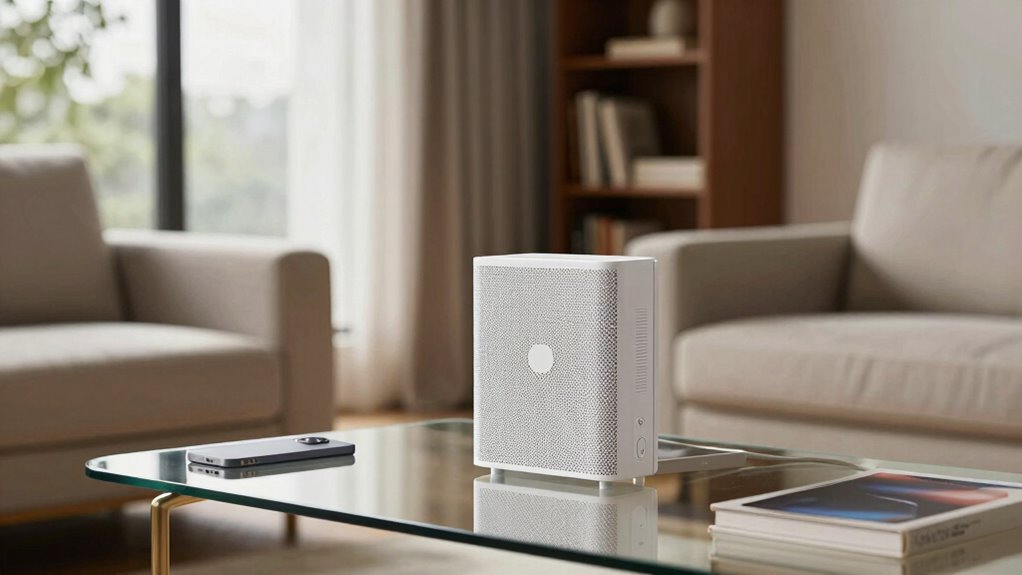
One common mistake that creates dead zones is placing satellites too close together, which can cause signal interference and reduce coverage. Overlapping signals from nearby nodes can clash with interference sources like thick walls, furniture, or appliances, weakening the Wi-Fi signal. Additionally, ignoring physical obstructions such as metal or concrete barriers can block or weaken signals, creating dead spots. You might think placing satellites close improves coverage, but it often leads to congestion and interference that diminish performance. To avoid this, position satellites at ideal distances, ensuring they’re not too close or too far apart. Also, keep an eye out for interference sources and physical obstructions that could hinder signal flow, and adjust placement accordingly to maximize coverage and minimize dead zones. Proper mesh network placement is essential for ensuring seamless Wi-Fi coverage throughout your space, and understanding signal propagation can help optimize your setup. Recognizing the importance of net worth in understanding personal success can also guide your strategic planning for technology investments and home upgrades. Additionally, regularly testing Wi-Fi coverage can help identify and correct dead zones before they affect your daily activities.
Using Signal Strength Meters and Mesh Apps to Optimize Placement

Using signal strength meters and mesh Wi-Fi apps can substantially improve your satellite placement by providing real-time data on coverage and performance. These tools help you assess signal strength, identify weak spots, and optimize antenna orientation. Pay attention to how your mesh network topology affects coverage, ensuring satellites are placed for ideal communication. Apps often display heatmaps, showing signal quality across your space, so you can move nodes accordingly. Adjust antenna orientation to boost signal in problem areas, and use the app’s insights to fine-tune your setup. This proactive approach minimizes dead zones and enhances overall network reliability. Additionally, understanding wireless technology principles can empower you to make more informed adjustments. With these tools, you’ll create a seamless mesh network that delivers consistent Wi-Fi everywhere in your home or office.
Tips for Covering Large or Unusual Spaces Effectively
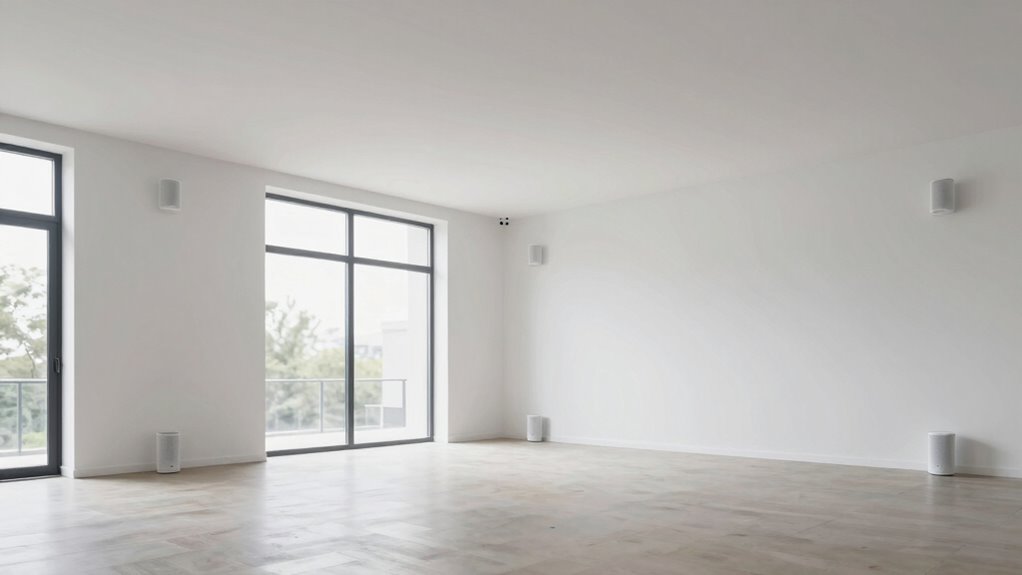
To cover large or unusual spaces effectively, start with strategic router placement to maximize coverage. You might also need to add extenders or extra nodes to eliminate dead spots. Carefully planning these setups guarantees your Wi‑Fi remains strong throughout the entire area. Additionally, understanding how mesh network systems distribute connectivity helps optimize coverage and reduce slow spots. Using placement rules effectively ensures that each node contributes to the overall network strength without overlaps or gaps.
Strategic Router Placement
Strategic placement of your mesh Wi-Fi router is essential for ensuring seamless coverage in large or irregularly shaped spaces. To optimize your network, consider antenna orientation—adjusting antennas for better signal direction can improve coverage in tricky areas. Keep your router elevated and central to maximize reach, avoiding obstructions that weaken signals. Ensuring mesh network security is also critical; position your router where it’s less exposed to potential threats.
- Position routers away from thick walls and metal objects
- Elevate the device to prevent signal interference
- Regularly update firmware to maintain security and performance
Use of Extenders or Additional Nodes
When covering large or unusual spaces with your mesh Wi-Fi system, adding extenders or extra nodes can substantially enhance coverage. Proper extender placement is vital; position extenders midway between your main router and the dead zones to maximize signal strength. For additional nodes, focus on strategic additional node positioning—place them where coverage begins to weaken but still maintains a strong connection to the main network. Avoid placing nodes or extenders in areas with thick walls, metal objects, or interference sources, as these can hinder performance. Use your mesh system’s app or tools to test signal strength after placement. This approach guarantees seamless coverage, reduces dead zones, and creates a more reliable network across your entire space.
How to Reposition Mesh Units for Better Internet Reliability
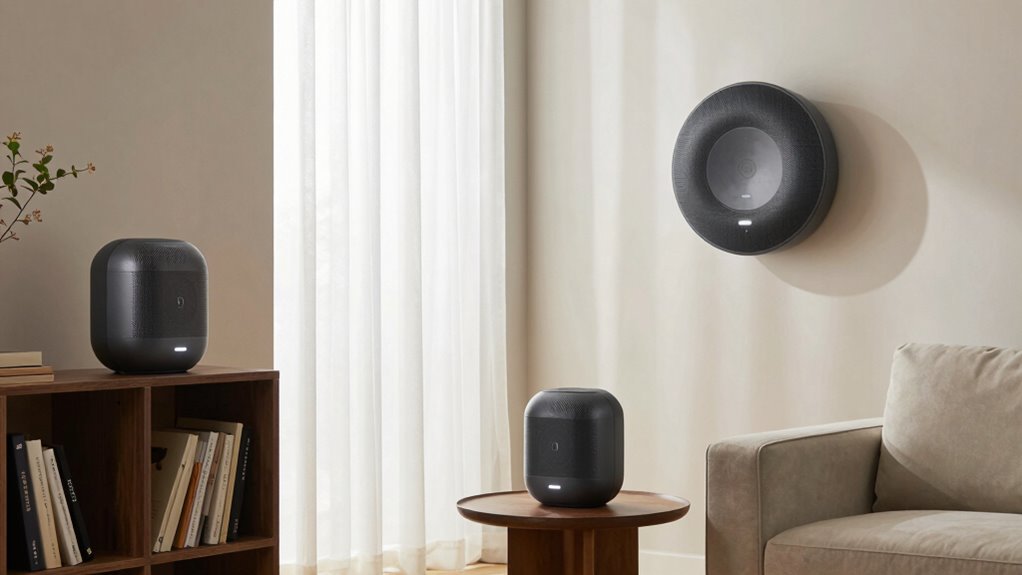
Repositioning your mesh units can substantially improve your internet reliability by ensuring a stronger and more consistent signal throughout your space. To do this effectively, consider the following:
- Avoid interference sources like microwaves, cordless phones, and Bluetooth devices that can weaken signals.
- Place units at an ideal height, typically on shelves or mounted on walls, to improve coverage.
- Balance aesthetic considerations with performance; hide units behind furniture or decor to keep your space attractive without sacrificing signal strength.
Final Checklist to Ensure Your Mesh Wi-Fi Stops Dead Zones

To make certain your mesh Wi-Fi system effectively eliminates dead zones, it’s crucial to run through a final checklist. First, check for interference sources like cordless phones or microwaves that could disrupt signals. Ensure all devices are compatible with your mesh system for seamless connectivity. Position your units based on the placement rule, avoiding thick walls or metal objects. Confirm your firmware is up-to-date for optimal performance. Lastly, run a speed test throughout your home to identify lingering dead zones. Here’s a quick overview:
| Interference Sources | Device Compatibility | Optimal Placement |
|---|---|---|
| Cordless phones | Wi-Fi 5/6 compatible | Away from walls |
| Microwaves | Latest firmware | Central location |
| Bluetooth devices | Compatible smartphones | Elevated spots |
This checklist helps you ensure a strong, consistent mesh Wi-Fi signal everywhere.
Frequently Asked Questions
How Often Should I Update My Mesh Wi-Fi Firmware?
You should update your mesh Wi-Fi firmware as often as the manufacturer recommends, typically every few months or when a new update is available. Regular firmware updates improve signal stability, fix bugs, and enhance security. Keep an eye on notifications from your system or check the manufacturer’s website periodically. Staying current with firmware updates ensures your network remains reliable and protected, providing ideal performance and preventing dead zones.
Can Furniture Placement Affect Mesh Wi-Fi Signals?
Yes, furniture placement can influence your mesh Wi-Fi signals. Furniture obstruction causes signal attenuation, weakening the connection between your mesh nodes and devices. To optimize performance, avoid placing large or dense furniture directly in the line of sight between your router and nodes. Keep pathways clear and position your devices in open areas to ensure strong, consistent Wi-Fi coverage throughout your home.
Is It Better to Place Mesh Nodes Higher or Lower?
Ever wondered where to place your mesh nodes for the best coverage? You should position your nodes higher rather than lower to optimize signal strength. Elevated placement helps the nodes broadcast signals more evenly across your space, reducing dead zones. Proper node placement guarantees stronger, more reliable connectivity. So, keep your mesh nodes up high, avoiding obstructions, and you’ll enjoy seamless Wi-Fi throughout your home.
Do Walls Impact Mesh Wi-Fi Performance Differently?
Walls do impact your mesh Wi-Fi performance, often causing signal loss or slower speeds. Thick or reinforced walls, like concrete or brick, create more significant wall impact, reducing coverage. Furniture effects also matter; large metal or dense pieces can block signals further. To minimize these issues, place nodes centrally and avoid positioning them behind thick walls or furniture, ensuring your Wi-Fi stays fast and reliable throughout your space.
How Do External Interference Sources Affect My Mesh Network?
External interference sources can disrupt your mesh network by causing signal interference, which weakens your Wi-Fi signal and slows down speeds. Devices like microwaves, cordless phones, and baby monitors are common culprits. To minimize this, make sure your mesh nodes are placed away from these devices and check device compatibility to avoid conflicts. Regularly update your network firmware to enhance resilience against interference and maintain peak performance.
Conclusion
If you ignore these placement rules, your Wi-Fi might as well be a dead zone magnet, turning your entire home into a black hole of bad connection. But follow these tips, and you’ll transform your mesh system into a high-speed, unstoppable internet fortress. Don’t settle for patchy coverage or frustrating buffering—get your placement right, and watch your Wi-Fi conquer every corner like an unstoppable digital army. Your perfect connection is just a strategic move away!