
📊 Full opportunity report: Undervolting Your GPU for Local Inference: Lower Heat, Same Tokens/sec on ThorstenMeyerAI.com — validation score, market gap, and execution plan.

Get hardware and tech essentials delivered free — and shop member deals
- Fast, free delivery on millions of items
- Access to Prime Big Deal Days deals on October 6–7
- Prime Video, Amazon Music and more included
TL;DR
Undervolting and power limiting a GPU reduces heat and noise during AI inference with minimal impact on performance. Recent tests confirm that lowering power caps to around 70% maintains nearly full tokens/sec output.
Recent tests confirm that undervolting a GPU through power limiting significantly reduces heat output and noise during AI inference workloads while maintaining near-maximum tokens per second performance.
Multiple developers and sources, including Thorsten Meyer AI, have demonstrated that capping GPU power at around 70% of its maximum can cut heat generation by up to 30%, with only a 7% decrease in tokens/sec. This is because inference workloads are memory-bandwidth-bound, meaning the GPU core does not need to run at full speed to sustain performance.
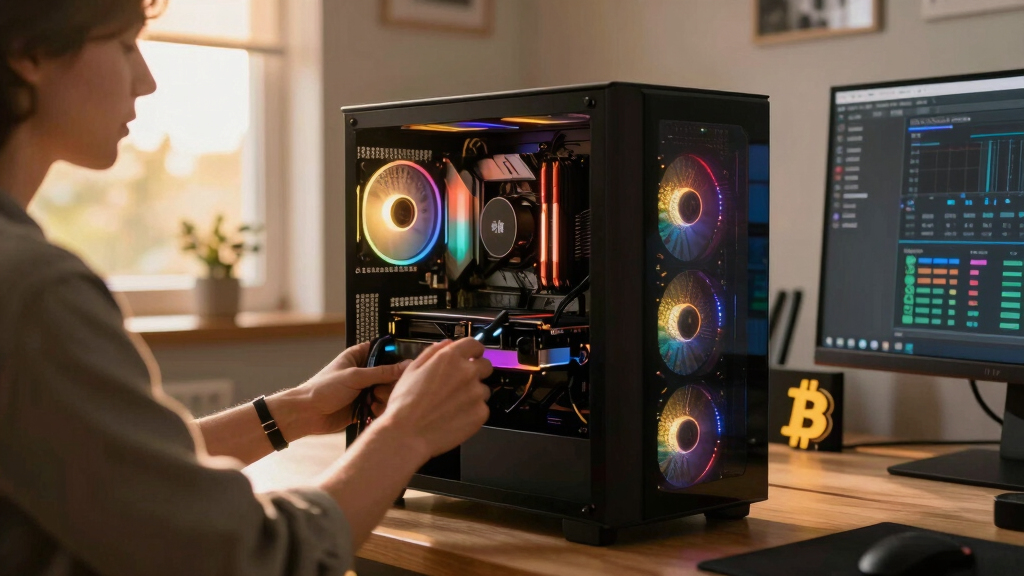
Power limiting is a straightforward, reversible adjustment that involves setting a maximum power cap via tools like MSI Afterburner. It reduces voltage and clock speeds automatically, lowering power consumption, heat, and noise. Tests on NVIDIA RTX 4090 and RTX 5090 show performance remains high at caps between 60% and 80%, with minimal speed loss and substantial efficiency gains.
The primary benefit is a cooler, quieter operating environment, which is especially valuable for all-day inference tasks. This approach is distinct from undervolting, which involves manually adjusting the voltage-frequency curve for potentially better performance-per-watt but requires more technical effort and stability testing.
Undervolt for inference:
lower heat, same tokens/sec.
Local inference is memory-bound — the GPU core spends much of its time waiting on VRAM, not maxing out compute. So when you cap its power, heat falls fast while throughput barely moves. Drag the slider in Part 2 to see the trade for yourself.
(the real limit)
(often waiting)
you pay for in heat
| Power limit | Power draw | Temp | Speed kept | Efficiency |
|---|---|---|---|---|
| 100% (stock) | 390 W | 72°C | 100% | baseline |
| 80% | 330 W | 70°C | 98.6% | +17% |
| 70%recommended | 300 W | 67°C | 93.4% | +22% |
| 60% | 260 W | 62°C | 91.5% | +37% |
| 55%peak efficiency | 240 W | 60°C | 89.2% | +45% |
| 50% | 220 W | 58°C | 82.6% | +46% |
| 40% (too far) | 180 W | 52°C | 61.3% | falls off |
- One slider, 100% → 70%. The card reduces voltage and clocks on its own.
- Can’t damage anything — you’re restricting the card, not pushing it.
- No stability testing needed.
- Captures most of the available benefit.
- Edit the voltage-frequency curve — hold a clock at lower voltage.
- Target around 0.9–0.95V to start; better chips go lower.
- Keeps more performance for the same heat cut.
- Test under your real workload — a curve stable for 10 min can fail on hour 3.
MSI Afterburner (works on any brand). Headless Linux: nvidia-smi or LACT.sudo nvidia-smi -pl 300.Impact of Power Limiting on AI Inference Efficiency
This development matters because it offers a simple, effective way to optimize GPU performance for AI inference workloads. By reducing heat and noise, users can extend hardware lifespan, improve comfort, and lower energy costs without sacrificing throughput. It also highlights that most inference tasks are memory-bound, allowing for aggressive power caps without notable speed reductions, unlike gaming or compute-bound tasks.
As an affiliate, we earn on qualifying purchases.
Understanding GPU Tuning for AI Workloads
GPUs are typically factory-tuned for gaming and high-performance benchmarks, often with conservative voltage curves to ensure stability. For more on this, see our guide on undervolting your GPU for local inference. For AI inference, the workload is different: the GPU spends more time waiting on memory bandwidth than performing compute-intensive tasks. This means that reducing core clock speeds and voltage—via power limiting—has less impact on throughput than might be expected.
Previous guides focused on gaming performance, where core speed is critical; however, recent insights show that inference workloads can tolerate significant power caps with minimal performance loss. This approach is gaining attention as a cost-effective way to improve hardware efficiency and reduce heat output in AI workstations.
"Most inference workloads are memory-bound, so you can cap your GPU's power without losing much speed, which cuts heat and noise substantially."
— Thorsten Meyer, AI hardware expert
NVIDIA RTX 4090 undervolting tools
As an affiliate, we earn on qualifying purchases.
As an affiliate, we earn on qualifying purchases.
Remaining Questions on Long-Term Stability
While short-term tests show promising results, it is still unclear how sustained undervolting or power limiting impacts GPU longevity over months or years. Additionally, the optimal power cap may vary between GPU models and workloads, requiring further testing for specific configurations.
GPU temperature monitor for inference
As an affiliate, we earn on qualifying purchases.
As an affiliate, we earn on qualifying purchases.
Next Steps for GPU Optimization in AI Inference
Users are encouraged to experiment with power limiting settings between 60% and 80%, monitoring performance and temperature. Future research may explore automated tuning tools and the effects of undervolting on different GPU architectures. Hardware manufacturers might also adjust factory settings based on these findings.
As an affiliate, we earn on qualifying purchases.
Key Questions
Does undervolting affect GPU lifespan?
Undervolting reduces heat and voltage stress, which can potentially extend GPU lifespan, but long-term effects are still being studied. Proper testing is recommended before sustained use.
Can I undervolt or power limit my GPU without voiding warranty?
Most manufacturers consider software-based power limiting safe and reversible, but users should check their specific warranty terms. Always back up settings before making changes.
Will lowering the power limit impact gaming performance?
Yes, in gaming, reducing power can lead to decreased frame rates, especially if the workload is compute-bound. For inference workloads, the impact is minimal.
What tools are recommended for power limiting?
MSI Afterburner is widely used for Windows systems. It allows easy adjustment of power limit sliders and monitoring of GPU metrics.
Is undervolting more effective than power limiting?
Undervolting can potentially yield better efficiency by fine-tuning voltage curves, but it requires more technical skill and stability testing. Power limiting is simpler and sufficient for most inference tasks.
Source: ThorstenMeyerAI.com
Fall Picks
fall essentials
As an affiliate, we earn on qualifying purchases.