
📊 Full opportunity report: Mac vs GPU Tower for Local LLMs: The Heat-and-Noise Tradeoff on ThorstenMeyerAI.com — validation score, market gap, and execution plan.

Get hardware and tech essentials delivered free — and shop member deals
- Fast, free delivery on millions of items
- Access to Prime Big Deal Days deals on October 6–7
- Prime Video, Amazon Music and more included
TL;DR
This article compares Mac Studio M3 Ultra and GPU towers for local large language model inference, focusing on heat, noise, memory capacity, and performance tradeoffs. The choice depends on model size, throughput needs, and operational preferences.
Apple Silicon-based Mac Studio M3 Ultra offers near-silent operation and low power consumption for local large language model inference, contrasting sharply with high-performance GPU towers that generate significant heat and noise.
Recent comparisons highlight that GPU towers, equipped with high-bandwidth RTX 5090 cards, deliver substantially higher throughput for models fitting within VRAM, but at the cost of high power draw (575W to over 800W) and considerable heat output requiring extensive thermal management. In contrast, the Mac Studio M3 Ultra leverages unified memory architecture, enabling it to run larger models (70B+ parameters) that cannot fit into GPU VRAM, with minimal heat and noise due to its power-efficient design.
GPU towers excel in scenarios demanding maximum token throughput and native CUDA ecosystem support, including fine-tuning and multi-GPU scaling. However, they demand ongoing thermal management and are limited by VRAM capacity. The Mac, by design, offers a fixed, non-upgradable system optimized for silent, always-on operation, making it ideal for users prioritizing low noise and power efficiency over raw throughput for models that fit within its memory limits.
Mac vs GPU tower
for local LLMs.
What if you sidestep the heat entirely with a different kind of machine? A tower is a high-bandwidth furnace you spend five levers quieting. Apple Silicon is near-silent by design — but asks for different tradeoffs. Match your priority in Part 2.
Put the loud, hot machine where its noise doesn’t matter, and the quiet one where you do. SSH into the tower when you need raw power; let the Mac handle everything else, silently.
Impact of Heat and Noise on Local AI Deployment
This comparison underscores a fundamental choice for AI practitioners: whether to prioritize maximum inference speed for models within VRAM or to handle larger models with minimal noise and power consumption. The decision influences hardware costs, operational complexity, and suitability for continuous, on-desk AI workloads. The Mac's silent operation appeals to users seeking a maintenance-free, low-profile solution, while GPU towers cater to those needing peak performance and scalability.
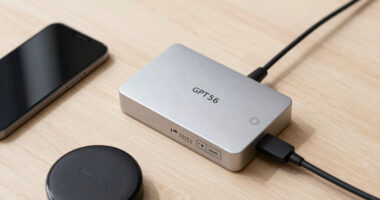
Mac Studio M3 Ultra external GPU enclosure
As an affiliate, we earn on qualifying purchases.
As an affiliate, we earn on qualifying purchases.
Hardware Architectures Shape Model Deployment Options
The core difference lies in architecture: GPU towers optimize memory bandwidth, enabling faster token generation for models that fit in VRAM, but are limited by VRAM size and thermal demands. Apple Silicon prioritizes memory capacity, allowing large models to run on-device with minimal heat, but at slower inference speeds. Industry trends show increasing interest in large models that exceed traditional GPU VRAM, boosting the appeal of Mac solutions for specific use cases.
Current GPU models like the RTX 5090 deliver nearly 1,800 GB/s of bandwidth, facilitating high-speed inference on smaller models. Meanwhile, Apple’s unified memory approach, with up to 512GB, enables handling larger models but with reduced throughput. The ongoing evolution of model sizes and hardware capabilities continues to influence which platform best suits different AI workloads.
"Our design prioritizes silent, power-efficient operation, enabling large models to run on-device without thermal management complexity."
— Apple hardware engineer
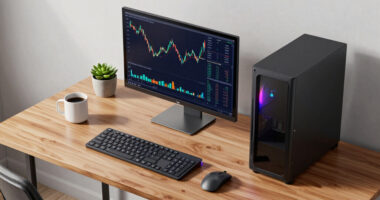
high performance GPU tower for AI inference
As an affiliate, we earn on qualifying purchases.
As an affiliate, we earn on qualifying purchases.
Unresolved Questions About Practical Deployment
It remains unclear how future hardware advancements will shift these tradeoffs, particularly whether GPU architectures will improve in power efficiency or whether Apple Silicon will enhance inference speeds for larger models. The long-term scalability and upgradeability of Mac solutions also remain uncertain, given their fixed hardware design.
thermal management cooling system for GPU tower
As an affiliate, we earn on qualifying purchases.
As an affiliate, we earn on qualifying purchases.
Expected Developments in Hardware and Model Sizes
Upcoming GPU generations may improve energy efficiency and VRAM capacity, potentially narrowing the performance gap for large models. Simultaneously, Apple is likely to refine its Neural Engine and memory architecture, possibly boosting inference speeds for larger models. Users should watch for hardware updates and software ecosystem improvements that could influence the optimal choice for local AI deployment.
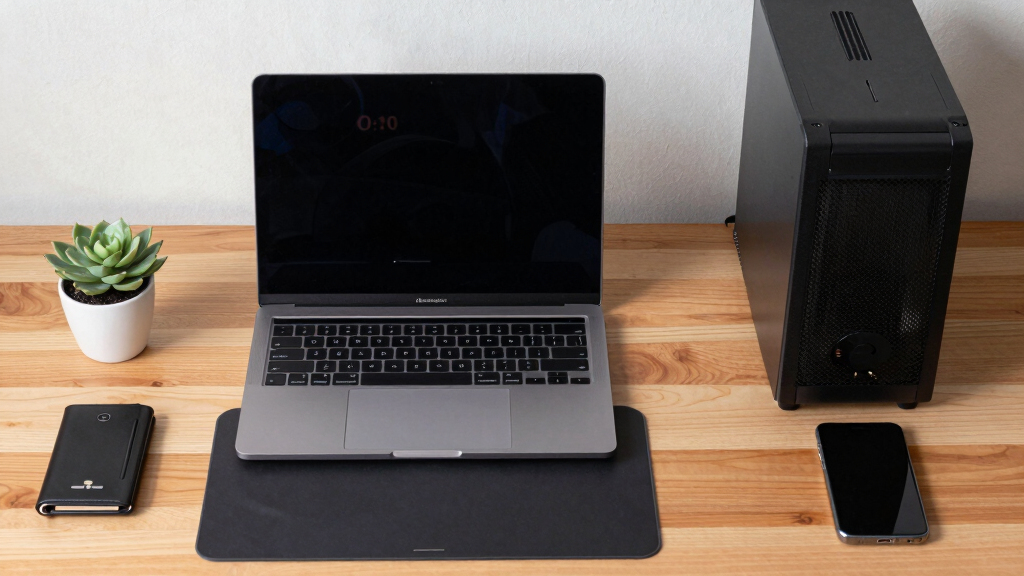
silent desktop computer for machine learning
As an affiliate, we earn on qualifying purchases.
As an affiliate, we earn on qualifying purchases.
Key Questions
Can a Mac Studio run the largest language models effectively?
It can run models larger than VRAM capacity, such as 70B+ quantized models, but with slower inference speeds compared to GPU towers. Performance depends on model size and workload requirements.
Is noise a significant concern with GPU towers?
Yes, GPU towers generate substantial heat and noise, requiring thermal management and fan tuning. In contrast, Macs operate quietly with minimal heat output.
What are the main tradeoffs between Mac and GPU towers?
GPU towers offer higher throughput and scalability but at the cost of heat, noise, and thermal management complexity. Macs provide silent, power-efficient operation but may have slower inference speeds for large models.
Will future hardware updates change this comparison?
Potential improvements in GPU energy efficiency and VRAM capacity, along with advances in Apple Silicon, could alter the current balance, but specific timelines are uncertain.
Which hardware is better for continuous, on-desk AI workloads?
Mac Studio is better suited due to its silent operation, low power consumption, and minimal thermal management needs, especially for models fitting within its memory capacity.
Source: ThorstenMeyerAI.com
Fall Picks
fall essentials
As an affiliate, we earn on qualifying purchases.