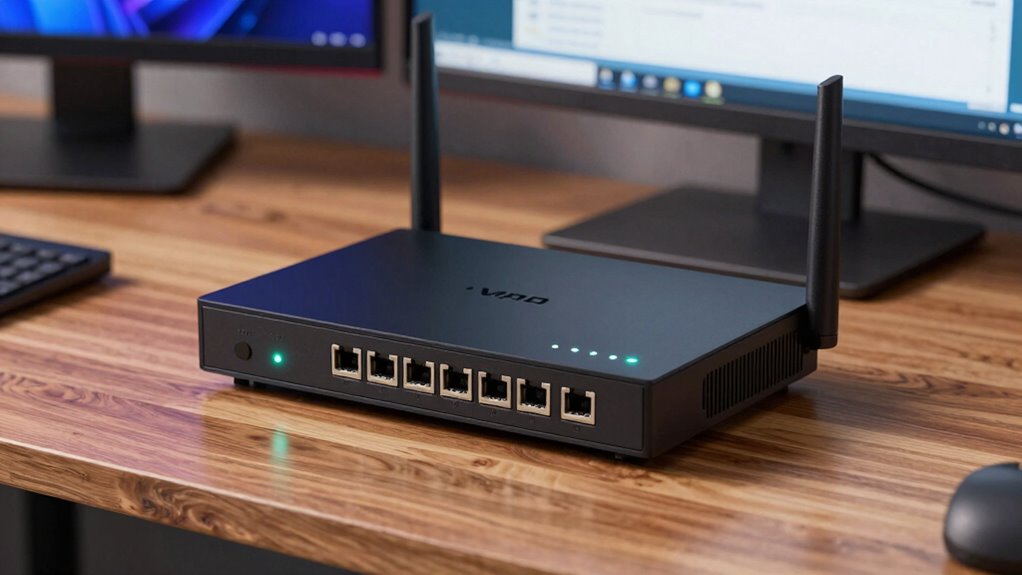

If your VPN router’s speed drops by half, the culprit is often a specific encryption protocol or firmware outdatedness. Switching to a faster protocol like WireGuard or updating your router’s firmware can substantially boost your speeds. Properly configuring settings and choosing hardware optimized for VPN use also help. By adjusting these key factors, you can restore fast, secure internet — and more tips await to help you optimize your setup.

Get hardware and tech essentials delivered free with Prime
- Fast, free delivery on millions of items
- Prime Video, Amazon Music and more included
- Member-only deals all year
Key Takeaways
- Enable or switch to faster, more efficient VPN protocols like WireGuard instead of resource-heavy options such as OpenVPN.
- Regularly update your router’s firmware to optimize security features and enhance speed performance.
- Adjust VPN encryption settings to balance security with faster internet speeds.
- Use routers with advanced hardware support to handle VPN encryption without significant speed loss.
- Properly configure VPN settings to avoid unnecessary encryption layers or misconfigurations that slow down your connection.
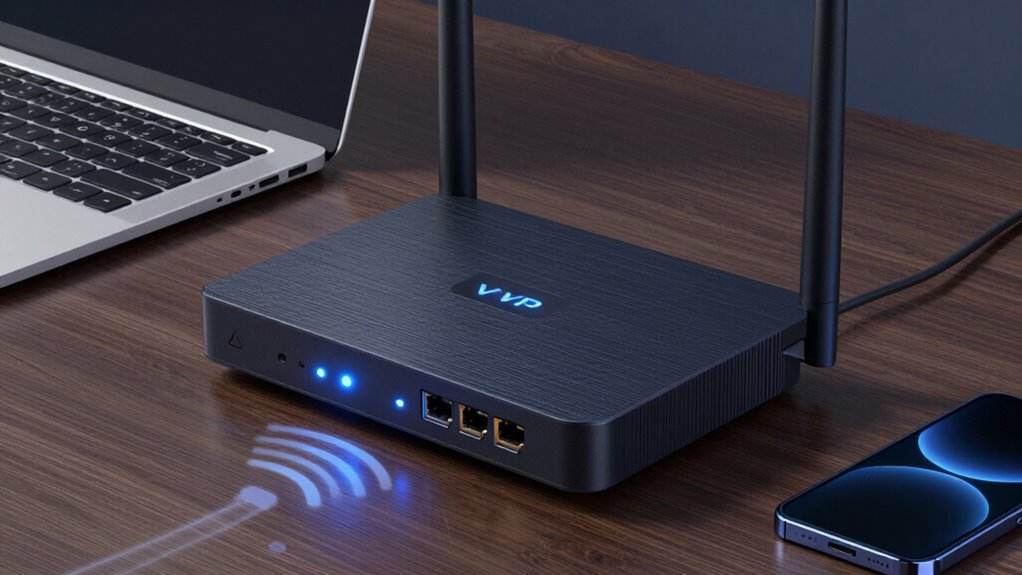
A VPN router is a device that combines the functionality of a traditional router with built-in Virtual Private Network (VPN) capabilities. It allows you to secure all your internet traffic by encrypting data directly at the router level, so every device connected benefits from privacy without needing individual VPN apps. However, many users notice a significant drop in internet speeds when using a VPN router, sometimes halving their speeds. The good news is that you can often fix this issue by tweaking certain settings and keeping your device up to date.
One of the most critical factors affecting VPN speed is the choice of encryption protocols. These protocols determine how your data is encrypted and decrypted, impacting both security and speed. Some protocols, like OpenVPN with AES-256 encryption, offer robust security but can slow down your connection. Others, such as WireGuard, are designed to deliver faster speeds without sacrificing much security. When configuring your VPN router, you should experiment with different encryption protocols to find the right balance between security and performance. Switching to a lighter protocol or a more refined setting can sometimes boost your connection, making streaming and browsing smoother.
Firmware updates are another essential aspect of maintaining prime VPN router performance. Manufacturers frequently release firmware updates that improve security, fix bugs, and enhance overall speed. Running outdated firmware can lead to compatibility issues, vulnerabilities, and degraded performance. Regularly check your router’s admin panel or the manufacturer’s website for updates, and install them as soon as they become available. These updates often include improvements to how encryption protocols are handled, resulting in better speeds and more stable connections. Additionally, firmware updates may introduce new features that optimize VPN operation, such as better routing algorithms or more efficient handling of encryption tasks. Keeping your firmware current is a simple but effective way to ensure your VPN router performs at its best. Combining this with the right encryption protocol setting can dramatically improve your internet speeds, even when using VPN encryption.
Furthermore, choosing a VPN router that supports optimized hardware can significantly enhance performance and speed.
Frequently Asked Questions
Can VPN Routers Handle Multiple Simultaneous Device Connections?
Yes, VPN routers can handle multiple device connections, but wireless interference and device prioritization impact their performance. If too many devices connect simultaneously, your speeds might slow down, especially with high traffic. To optimize, enable device prioritization to focus bandwidth on essential devices and reduce wireless interference by placing the router in a central, open spot. This setup helps your VPN router manage multiple connections more efficiently.
What Is the Best VPN Router for High-Speed Streaming?
For high-speed streaming, you’ll want a VPN router that supports fast VPN protocols like WireGuard or OpenVPN, ensuring minimal speed loss. Place your router centrally to optimize signal strength and reduce latency. Look for models with strong processors and multiple antennas, such as the ASUS RT-AX88U or Netgear Nighthawk series, which handle high bandwidth and multiple devices seamlessly, giving you smooth, buffer-free streaming experiences.
How Often Should I Update My VPN Router’s Firmware?
You should update your VPN router’s firmware at least once every few months or whenever security patches become available. Regular firmware updates ensure you get the latest security patches, protecting your network from vulnerabilities. Plus, updates often include performance improvements and bug fixes that can enhance your streaming speeds. Don’t wait too long—keeping firmware current is key to maintaining peak speed and security for your high-speed streaming experience.
Do VPN Routers Drain More Power Than Standard Routers?
VPN routers generally consume more power than standard routers because they handle extra encryption and decryption tasks, impacting power consumption. However, newer models focus on energy efficiency, reducing overall power use. If you’re concerned about energy consumption, look for VPN routers with energy-efficient features or power-saving modes. While they may use slightly more power, the enhanced security benefits often outweigh the minimal increase in energy use.
Are There Security Risks Using a VPN Router?
Think of your VPN router as a guarded fortress; while VPN encryption shields your data, it can also create vulnerabilities if not properly secured. Yes, there are security risks, mainly from router vulnerabilities that hackers might exploit. To stay safe, keep firmware updated, use strong passwords, and enable security features. This way, you strengthen your fortress, ensuring your encrypted data remains protected without exposing yourself to unnecessary risks.
Conclusion
Remember, your VPN router is like a racecar—powerful but sensitive to tweaks. That one setting can act like a speed bump, slowing you down. But with a quick fix, you can tune your router to hit full throttle again. Don’t let a simple change hold you back; instead, fine-tune your setup like a skilled mechanic. Keep your connection running smoothly, so you can enjoy the fastest, most reliable internet ride possible.
Fall Picks
fall essentials
As an affiliate, we earn on qualifying purchases.