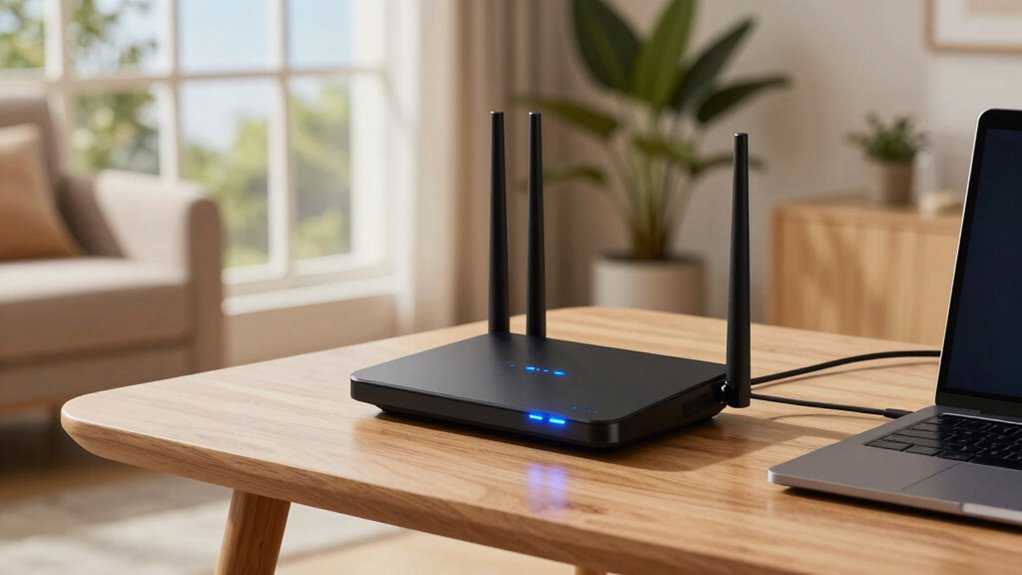

WiFi 7 routers promise blazing speeds, but your room layout can limit their performance. Obstructions like walls, furniture, and appliances weaken signals and cause dead zones. Interference from other devices or neighboring networks also hampers connection quality. To get the most from your router, you need to position it centrally, elevate it, and minimize obstacles. Want to learn how to optimize your space for peak WiFi performance? Keep exploring to find out more.
Key Takeaways
- Even with WiFi 7, poor router placement and obstacles can significantly reduce speed and coverage.
- Properly positioning your router centrally and elevated improves signal strength and minimizes dead zones.
- Electronic interference from devices and neighboring networks can disrupt WiFi 7 speeds despite advanced tech.
- Thick walls, furniture, and large appliances attenuate signals, limiting WiFi performance regardless of router capabilities.
- Optimizing channel selection and avoiding interference sources helps maximize WiFi 7’s speed potential.
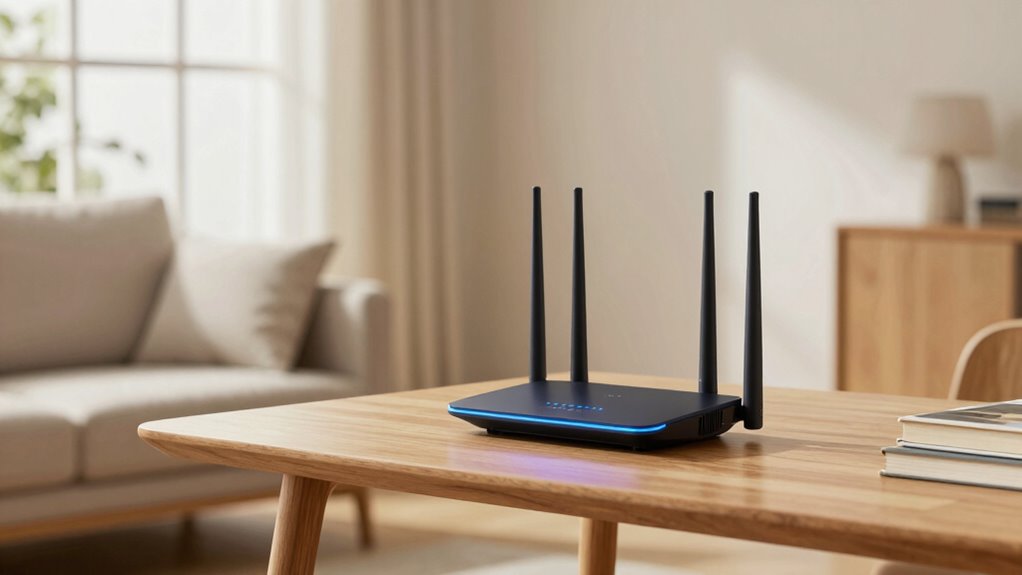
As WiFi 7 emerges as the latest standard for wireless connectivity, understanding how to optimize your router placement and room layout becomes vital for achieving the best performance. Despite promises of blazing-fast speeds and increased capacity, your room layout plays a key role in determining how well your WiFi connection actually works. If your router isn’t positioned properly, you’ll face issues like wireless interference and signal attenuation that can drastically reduce your network’s effectiveness.
Wireless interference occurs when other electronic devices or neighboring WiFi networks interfere with your signal. Common culprits include cordless phones, microwave ovens, Bluetooth devices, and even neighboring routers operating on similar channels. When these sources overlap, they create noise that disrupts data transmission, leading to slower speeds and frequent disconnects. To minimize this, you should place your WiFi 7 router away from such devices and, if possible, use the router’s settings to select less congested channels. Proper placement also helps reduce signal attenuation — the weakening of your WiFi signal as it travels through walls, furniture, and other obstacles. Thick walls, metal objects, and large appliances can all absorb or reflect WiFi signals, creating dead zones or areas with weak connectivity.
Minimize interference by placing your WiFi 7 router away from electronic devices and selecting less congested channels.
Positioning your router in a central location is essential. You want it elevated, ideally on a shelf or mounted on a wall, and free from obstructions. Avoid placing it inside cabinets or behind large objects that can block the signal. Open spaces allow the WiFi waves to spread more evenly across your home, reducing dead zones and ensuring a stronger connection throughout. Keep in mind that WiFi 7’s advanced technology helps mitigate some interference issues, but it can’t completely overcome poor placement. The room layout, from the positioning of furniture to the material of walls, directly impacts signal strength and quality. For example, a large metal bookcase or a thick concrete wall can substantially weaken your WiFi signal. Additionally, understanding wireless interference and its sources can help you better troubleshoot connectivity problems and optimize your setup. Being aware of potential sources of interference can save you time and frustration when diagnosing connectivity issues.
In essence, while WiFi 7 promises impressive speeds and capacity, your room layout and router placement are critical factors in realizing that potential. Take time to experiment with different positions and stay aware of sources of interference and obstacles. By doing so, you’ll maximize your WiFi 7 router’s performance, enjoying faster, more reliable internet no matter how complex your room layout might be.

NETGEAR WiFi 7 Wall Mount Kit (RBEWMB-10000S) Compatible with Nighthawk & Orbi WiFi 7 Systems, Black
Works with all NETGEAR WiFi 7 products: RS200, RS300, RS500, RS600, RS700S, RBE970, RBE972S, RBE973S, RBE870, RBE872, RBE873,…
As an affiliate, we earn on qualifying purchases.
As an affiliate, we earn on qualifying purchases.
Frequently Asked Questions
How Does Wifi 7 Compare to Wifi 6 in Real-World Speed?
In real-world speeds, WiFi 7 outperforms WiFi 6, but signal interference and device compatibility can limit this advantage. WiFi 7 offers higher maximum speeds and better handling of multiple devices, yet if your room layout causes interference or your devices aren’t compatible, you won’t see the full benefit. So, even with faster tech, your actual experience depends on your environment and the devices you use.
Will Wifi 7 Work With Existing Wifi 6 Devices?
Yes, WiFi 7 will work with your existing WiFi 6 devices because of device compatibility. You can connect both types to a WiFi 7 router seamlessly. However, to maximize signal range and performance, your WiFi 6 devices may not benefit from all the new features WiFi 7 offers. Upgrading your devices eventually will guarantee you get the full speed and range improvements WiFi 7 promises.
Are Wifi 7 Routers Compatible With All Internet Service Providers?
Imagine it’s 1984, and you’re wondering if WiFi 7 routers work with your internet provider. The good news is, they’re generally compatible, but there could be compatibility issues or provider restrictions depending on your ISP. You might need a modem upgrade or specific settings. Always check with your internet service provider beforehand, as some providers haven’t yet fully embraced WiFi 7’s advancements, which could complicate things.
What Security Features Are Included in Wifi 7 Routers?
WiFi 7 routers include advanced security features like WPA3 encryption protocols, which protect your data from hackers. You also get parental controls to manage access and keep your family safe online. These security measures guarantee your network remains private and secure, giving you peace of mind. As technology advances, WiFi 7 routers offer robust protections that adapt to evolving cybersecurity threats.
How Much Will Wifi 7 Routers Cost Upon Release?
Like the early days of smartphones, WiFi 7 routers are expected to be pricey at launch, with pricing estimates ranging from $300 to $600. Production costs for advanced components and new technology drive these prices, much like how the first iPhones set a premium standard. As demand grows and technology matures, prices will likely drop. Expect to pay a premium initially, but affordability should follow over time.

TP-Link AC1200 WiFi Extender – 1.2Gbps Home Signal Booster, Dual Band 5GHz/2.4GHz, Up to 1600 Sq.ft and 32 Devices, EasyMesh Compatible, One Ethernet Port (RE315)
𝐒𝐭𝐫𝐨𝐧𝐠𝐞𝐫 𝐖𝐢-𝐅𝐢 𝐢𝐧 𝐄𝐯𝐞𝐫𝐲 𝐂𝐨𝐫𝐧𝐞𝐫 – Enjoy extended coverage with strong performance powered by Adaptive Path Selection and…
As an affiliate, we earn on qualifying purchases.
As an affiliate, we earn on qualifying purchases.
Conclusion
So, as you plan your WiFi setup, remember that even WiFi 7 routers aren’t magic. Your room’s layout can still throw a wrench in those blazing speeds, making you wish you had a trusty dial-up back just for simplicity. It’s like expecting a spaceship and getting a bicycle instead. Stay mindful of your space, and don’t get starry-eyed over promises—sometimes, a good router just needs a little room to breathe.

Multi-Purpose Workshop Router Table Stand, Machinery Shop Table Work Stand, 500 lb Heavy Duty Support for Band Saw, Drill Press, Belt Sander, Miter Saw, Bench Grinder, Planer, Adjustable Leveling Feet
WORK COMFORTABLY FOR HOURS – Reduce back and neck strain by customizing this heavy duty router table stand…
As an affiliate, we earn on qualifying purchases.
As an affiliate, we earn on qualifying purchases.

Fengind Large WiFi Router Cover – Blocks 90% of Router Emf & 5G, Allows Uninterrupted Use – Faraday Cage Emf Protection – Two Year Warranty
【Large Size for Compatibility】WIFI router emf shield is 12 inches long x 11 7/8 inches high x 5…
As an affiliate, we earn on qualifying purchases.
As an affiliate, we earn on qualifying purchases.