Using layout discipline with your ultrawide monitor lets you organize your workspace for maximum efficiency, often more than just adding screen space. By maintaining consistent window arrangements and dedicating specific areas for charts, news, and communication, you reduce clutter and boost decision-making speed. Proper calibration and ergonomic placement further improve comfort and clarity. Perfecting these habits transforms your setup into a powerful trading tool. Keep exploring to discover how to optimize your workflow even further.
Key Takeaways
- Effective window management and layout discipline maximize the utility of ultrawide monitors, reducing clutter and enhancing focus.
- Proper calibration and ergonomic positioning improve visual clarity and reduce fatigue, optimizing trading performance.
- Structured workspace setups enable quick access to critical data, improving decision-making speed and accuracy.
- Prioritizing layout discipline ensures consistent workflows, making screen space more effective than simply increasing monitor size.
- Combining calibration, ergonomic setup, and disciplined layout creates a more efficient trading environment than screen size alone.
If you’re serious about trading, an ultrawide monitor can considerably enhance your workflow by providing more screen real estate and reducing the need to constantly switch between windows. But simply owning a large, curved display isn’t enough to unlock its full potential. To truly leverage an ultrawide’s benefits, you need to focus on layout discipline—organizing your workspace efficiently rather than just stacking more data on a bigger screen. Proper monitor calibration is essential here; it ensures that colors are accurate and contrast levels are consistent across the entire display, making it easier to interpret charts, graphs, and data feeds without eye strain or confusion. When your monitor’s display is optimized, you spend less time second-guessing whether what you see is true and more time making confident decisions. Additionally, establishing a visual consistency across your workspace can help reduce cognitive load and improve overall clarity. Equally important is setting up an ergonomic workspace. An ergonomic setup minimizes fatigue and discomfort, which can impair your focus during long trading sessions. Position your ultrawide monitor so that the top of the screen is roughly at eye level, with your chair adjusted to keep your feet flat on the floor and your back supported. Proper monitor calibration combined with ergonomic placement reduces eye strain and helps maintain clarity across the entire display, preventing you from constantly adjusting your posture or squinting at certain areas of the screen. This setup allows you to view multiple windows simultaneously—like order books, charts, news feeds, and trading platforms—without sacrificing comfort or clarity. Layout discipline goes beyond simply dividing the screen into sections. You should develop a consistent, efficient arrangement for your windows, perhaps dedicating one side of the ultrawide to technical analysis and the other to news or communication tools. Using software tools for window management can streamline this process, but the key is in your discipline to keep things organized. When your workspace is structured, you avoid clutter and reduce cognitive load, which leads to quicker decision-making and fewer mistakes. Proper window management can further help maintain this discipline and optimize your workspace. In essence, more screen space alone doesn’t guarantee better trading; how you utilize that space matters more. Proper monitor calibration ensures visual accuracy, while an ergonomic setup keeps you comfortable and alert. Combining these with disciplined layout practices transforms your ultrawide monitor from a simple display into a powerful trading tool that enhances focus, reduces fatigue, and sharpens your decision-making process. Paying attention to monitor calibration techniques can further optimize your visual experience and ensure consistent performance across all your trading sessions. Developing a clear understanding of visual ergonomics can also improve your overall trading environment, making long sessions more sustainable. Furthermore, consistent layout discipline helps create a seamless workflow, making it easier to adapt to different trading scenarios and tools.
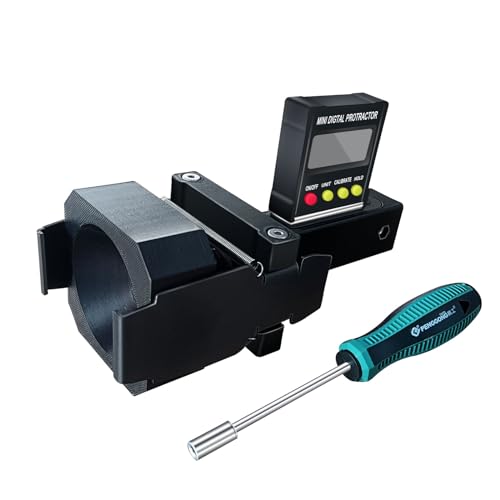
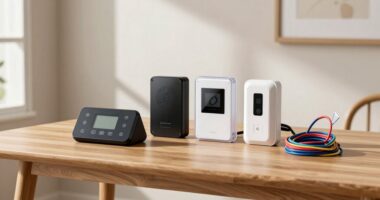
Dynamic ACC Positioning Tool For Eyeball Unit, ADAS Calibration Tool
- Power Source: Requires 2 AAA batteries (not included)
- Compatibility: Designed for eyeball unit only
- Calibration Type: Suitable for dynamic ACC calibration
As an affiliate, we earn on qualifying purchases.
As an affiliate, we earn on qualifying purchases.
Frequently Asked Questions
How Do Ultrawide Monitors Impact Trading Accuracy?
Ultrawide monitors improve your trading accuracy by providing a broader view, but their impact depends on proper setup. With good color calibration, you can distinguish data and charts more clearly, reducing errors. An ergonomic design minimizes strain during long sessions, keeping you alert and focused. Together, these features help you interpret market trends accurately, making your trading decisions more precise and confident.
Are Ultrawide Monitors Suitable for Multi-Monitor Trading Setups?
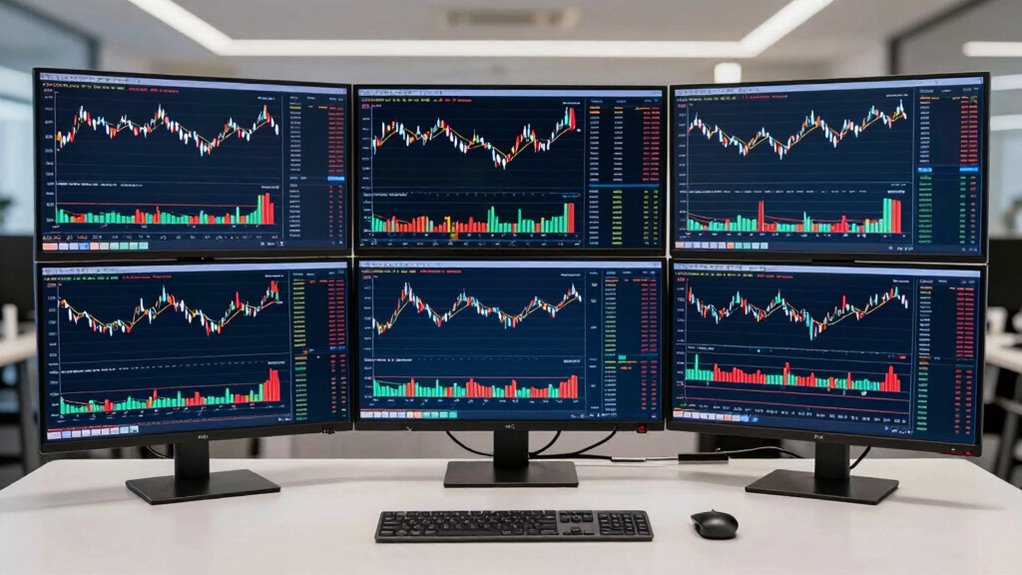
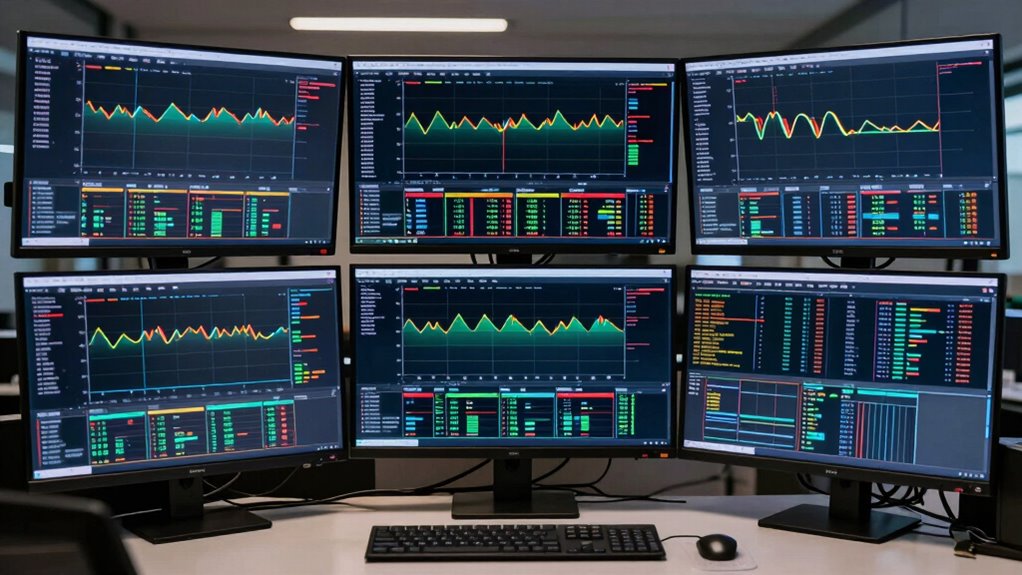
Imagine you’re managing a multimonitor wall for trading, and you notice bezel gaps disrupting your workflow. Ultrawide monitors are highly suitable, offering a seamless display that eliminates those gaps, unlike traditional multi-monitor setups. You can focus on your charts, news feeds, and trading platforms without constant adjustments, ensuring a cleaner, more efficient workspace. This setup improves layout discipline, helping you stay organized and responsive in fast-paced trading environments.
What Are the Best Resolution Options for Trading Monitors?
For trading monitors, opt for a resolution of at least 1440p or higher, like 4K, to guarantee clear, detailed visuals. You should also prioritize screen calibration and color accuracy to distinguish data and charts accurately, reducing eye strain and errors. Proper calibration ensures consistent colors and sharpness, helping you make informed decisions quickly. Higher resolutions combined with good calibration make your trading environment more efficient and visually precise.
Do Ultrawide Monitors Require Special Graphic Cards?
You’ll need a compatible graphics card for ultrawide monitors, especially if you want smooth visuals and proper monitor calibration. Most modern GPUs support ultrawide resolutions, but check the graphics card compatibility to confirm it can handle the display’s bandwidth. Investing in a suitable graphics card makes setup easier, guarantees accurate color and image quality, and prevents issues like lag or flickering. Always verify your GPU’s specifications before upgrading to an ultrawide setup.
How Do Ultrawide Monitors Affect Eye Strain During Long Trading Sessions?
You might wonder if ultrawide monitors increase eye strain during long trading sessions, and the answer is, not necessarily. With proper ergonomic design and blue light filters, they can actually reduce fatigue by offering a more natural viewing experience. These features help minimize eye discomfort, so you stay focused longer without risking strain. Embracing these adjustments makes ultrawide screens a smart choice for extended trading hours.

WALI Ultrawide Single Monitor Arm for 17-49 inch Curved Screen, up to 33lbs
- Desk Space Optimization: Lifts monitor to free up workspace
- Cable Management: Guides wires for a tidy desk
- Wide Compatibility: Fits most 17-49 inch monitors
As an affiliate, we earn on qualifying purchases.
As an affiliate, we earn on qualifying purchases.
Conclusion
Ultimately, investing in an ultrawide trading monitor is like planting a well-organized garden—space alone doesn’t guarantee success. It’s your discipline in layout and focus that truly cultivates productivity. With careful arrangement, you’ll see your workflow bloom, turning clutter into clarity. Remember, a sprawling screen is only as good as how you use it. So, prioritize layout discipline over sheer size, and watch your trading efficiency grow like a well-tended garden in full bloom.
window management software for trading monitors
As an affiliate, we earn on qualifying purchases.
As an affiliate, we earn on qualifying purchases.

Marbrasse Mesh Pen Holder for Desk, Multi-Functional Pencil Organizer with Drawer, Desk Organizers and Accessories for Office Art Supplies (Black)
- Ample Storage Capacity: Multiple compartments and a drawer for various items
- Unique All-in-One Design: Space-saving, neat, and functional structure
- Multi-Purpose Organizer: Stores stationery, makeup, and personal items
As an affiliate, we earn on qualifying purchases.
As an affiliate, we earn on qualifying purchases.