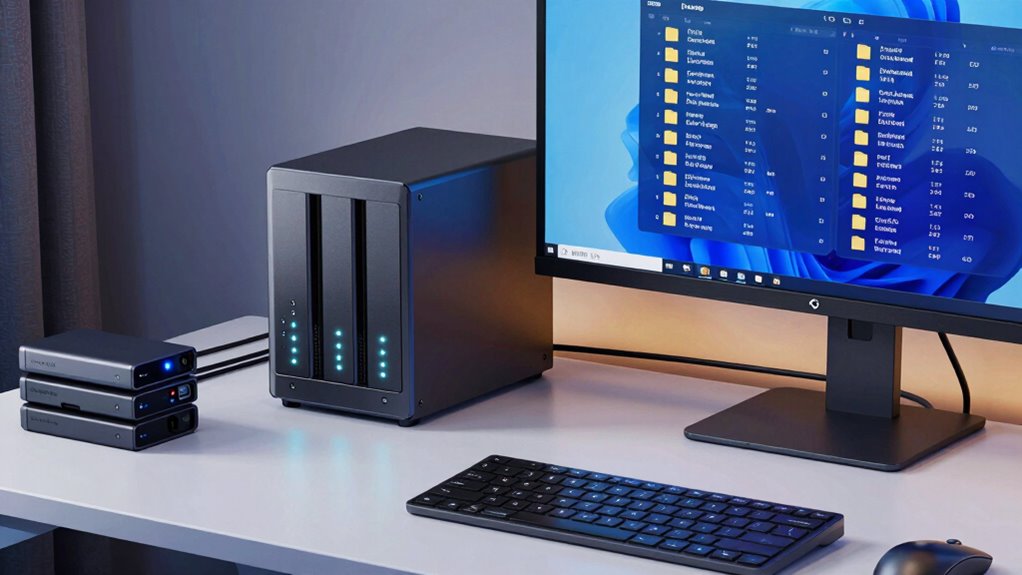

To keep your crypto files easily findable in NAS backups, organize your folders clearly with descriptive names for wallets, private keys, transaction histories, and notes. Use a logical hierarchy that reflects importance and categorize similar files together. Set up automatic cloud syncing for off-site backups, and encrypt sensitive data for added security. Regularly check your backup system’s effectiveness. If you want to learn more about building an effective folder strategy, keep going for practical tips.

Get hardware and tech essentials delivered free with Prime
- Fast, free delivery on millions of items
- Prime Video, Amazon Music and more included
- Member-only deals all year
Key Takeaways
- Organize crypto files into clearly labeled, hierarchical folders such as wallets, private keys, and transaction histories for quick access.
- Use consistent naming conventions to ensure easy identification and seamless retrieval across all backup versions.
- Automate NAS synchronization with reputable cloud services to maintain off-site backups and protect against hardware failure.
- Encrypt sensitive files before backup to enhance security, and regularly verify backup integrity and functionality.
- Implement routine checks and updates to your folder structure and backup processes for ongoing data accessibility and security.
In today’s digital landscape, safeguarding your crypto files is more critical than ever, especially when relying on Network-Attached Storage (NAS) solutions. You need a reliable strategy to keep your sensitive data secure, organized, and easily accessible. One effective approach is creating a well-structured folder system that ensures everything stays findable, even as your collection grows. This folder strategy isn’t just about organization; it’s about implementing layers of security and convenience that make managing your crypto files seamless.
First, you should organize your files into logical folders based on categories like wallets, private keys, transaction histories, and research notes. Keeping similar files grouped together helps you locate what you need quickly, especially during urgent situations. Naming conventions matter—use clear, descriptive folder names and consistent labeling to avoid confusion down the line. This setup simplifies navigation and prevents you from wasting time hunting through cluttered directories.
Next, leverage cloud synchronization to enhance your backup process. Cloud services allow you to sync your NAS folders automatically, ensuring your crypto files are backed up off-site. This way, even if your physical NAS faces hardware failure or theft, your data remains secure and accessible from anywhere. Cloud synchronization also provides an added layer of redundancy, reducing the risk of losing critical information. Just make sure to select a reputable cloud provider that supports end-to-end encryption, so your crypto files stay protected during transit and storage. Using encryption methods can further bolster your data security. Implementing regular backup routines is also vital to maintaining data integrity over time. Additionally, understanding the science of caffeine can help you stay alert and focused when managing complex backup processes or troubleshooting issues. Having a clear understanding of data security principles can also help you make smarter choices about your backup and storage strategies.
Products Worth Considering

Trezor Safe 7 Crypto Hardware Wallet

Ledger Stax Crypto Wallet with Touchscreen

Apple MacBook Pro 14.2-inch with M5 Pro, 15-core CPU, 16-core GPU, 48GB Memory, 1TB SSD, Silver
As an affiliate, we earn on qualifying purchases.
Frequently Asked Questions
How Often Should I Back up My Crypto Files?
You should back up your crypto files at least once a week to guarantee data redundancy and minimize loss risks. If you frequently make updates or transactions, consider increasing backup frequency to daily or even real-time. Consistent backups protect your data from hardware failures, hacking, or accidental deletion. By establishing a regular backup schedule, you keep your crypto files safe, organized, and easily recoverable, giving you peace of mind.
What Encryption Methods Are Best for NAS Backups?
Think of your NAS backups as a vault for your crypto files, and you want the strongest lock. AES-256 encryption algorithms are your best bet, offering top-tier security. Combine this with password protection to add an extra layer against intruders. This way, even if someone breaches your network, your files remain locked tight, ensuring your crypto assets stay safe and accessible only to you.
Can I Restore Specific Files Easily From Backup?
Yes, you can restore specific files easily from your NAS backup. Using a folder strategy with file versioning helps you identify and select the exact version of a file you need. Regular backup verification guarantees your backups are intact and reliable. This approach makes restoring individual files straightforward, saving you time and effort, especially if you need to recover recent changes or specific crypto files without restoring the entire backup.
How Do I Prevent Ransomware From Affecting My NAS Backups?
Think of your NAS backups as a fortress—protecting your crypto files from ransomware. To prevent infections, enable ransomware detection features, which act like watchmen spotting threats early. Implement backup redundancy by keeping copies on separate devices or cloud services, so even if one is compromised, your data stays safe. Regularly update your firmware and monitor activity logs to strengthen your defenses and keep your backups unscathed.
Is Cloud Integration Necessary for NAS Crypto Backups?
Cloud integration isn’t necessary for NAS crypto backups, but it offers added protection through cloud storage and simplifies backup automation. By syncing your crypto files with the cloud, you guarantee an off-site copy that’s safe from physical threats like theft or damage. This setup also makes it easier to automate backups, reducing manual effort and human error. Ultimately, integrating cloud storage enhances your backup strategy’s resilience and convenience.
Conclusion
By adopting this folder strategy for your NAS backups, you’ll turn chaos into absolute order—making lost crypto files a thing of the past. Think of it as building an impenetrable fortress for your digital assets, so secure and foolproof that even hackers would give up in frustration. With everything perfectly organized and instantly findable, you’ll feel like the ultimate crypto vault keeper—unstoppable, invincible, and forever in control of your digital fortune!