
🔍 Read the full analysis: AI-Powered Home Automation Devices: A Christmas Shopping / Holiday Gift Guides Guide on ThorstenMeyerAI.com

Get hardware and tech essentials delivered free with Prime
- Fast, free delivery on millions of items
- Prime Video, Amazon Music and more included
- Member-only deals all year
TL;DR
This holiday shopping guide explains how home automation products use signals such as voice, motion, temperature and schedules to control household devices. It advises shoppers to start with one practical task, check compatibility and offline behavior, and review data practices rather than assume every product labeled “AI” learns or adapts.
A holiday shopping guide from ThorstenMeyerAI.com, the original guide, advises buyers of AI-powered home automation devices to focus on a specific household task, check whether products work with their existing systems, and review privacy and offline features. The guidance cautions that “AI” can describe very different capabilities: some devices may adapt to patterns, while others simply follow schedules or rules set by the user.
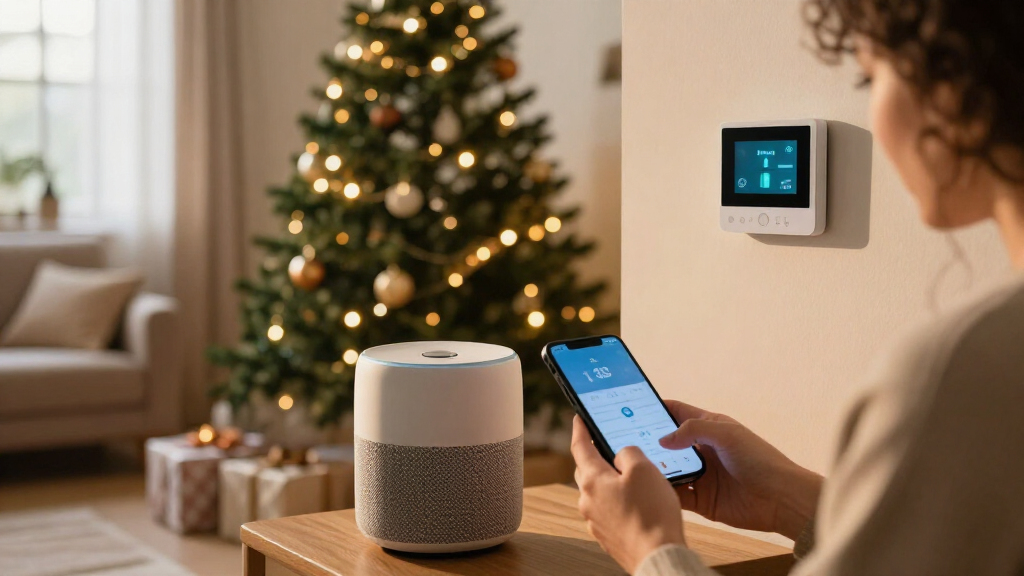
Home automation products can use voice commands, motion, temperature readings, schedules or energy data to trigger actions around a home, as explored in this overview of AI home automation. Examples include a speaker responding to a request to dim lights, a thermostat adjusting heating, a camera sorting motion events, a smart lock, or a robotic vacuum mapping rooms. The guide says the technology and degree of adaptation vary by product.
It draws a distinction between fixed automation and learning features. A light programmed to turn on at a set time follows a rule. A thermostat that changes its schedule after repeated user adjustments may be adapting, although the guide says the behavior depends on the model. It recommends checking what information a product uses, what action it takes, whether users can view or edit routines, and whether automatic adjustments can be disabled.
For a first purchase, the guide suggests choosing one repeatable, easy-to-test chore, such as turning off downstairs lights at bedtime or lowering heat when nobody is home, before exploring more AI home automation devices. Buyers should check the required app, hub, phone and voice assistant, then test the routine before adding more devices. A motion-triggered entry light, for example, might be limited to after sunset and set to switch off after a few minutes; sensitivity may need adjustment if pets trigger it.
Choose a repeated chore first, then buy the device that solves it with a clear trigger and a reversible routine.
Check whether a feature learns from changing signals or simply follows a schedule you set.
Confirm Matter, hub, app, and assistant compatibility for the exact features you want.
Review data collection, storage, deletion, account security, and offline behavior before placing cameras, speakers, or sensors.
Treat energy savings as a result to measure in your own home, not a guarantee on the box.
A Practical Test for Holiday Tech
The advice matters to holiday shoppers because a device can look simple on a product page but depend on compatible apps, hubs and connected services to work as expected. A mismatch can leave buyers with a product that cannot perform the routine they wanted, or requires more setup than anticipated.
It also highlights a difference between convenience and dependable control. A sensor can switch on a light when someone enters a hallway, but it may also react to a passing pet. An adaptive thermostat may adjust to repeated behavior, but its assumptions may not suit a changing work schedule. Buyers who can inspect, correct or disable routines have more control over those outcomes.
Privacy and reliability are part of the purchase decision, not just setup details. The guide urges shoppers to ask what data a device collects and whether processing happens on the device or in the cloud. It also recommends checking what happens when the internet is unavailable. The source does not compare specific products or establish that one approach is best for every home.
Products Worth Considering

LG UltraGear 27GX700A-B 27-Inch QHD OLED Gaming Monitor

Ledger Nano X Bluetooth Crypto Hardware Wallet

Apple MacBook Air 15-inch Laptop with M5 Chip, 16GB Memory, 512GB SSD, and Liquid Retina Display (Midnight)
As an affiliate, we earn on qualifying purchases.
What the Label “AI” Can Mean
The source guide describes “AI-powered home automation” as a broad category rather than a single feature. Products may interpret spoken requests or sensor readings, or they may carry out a routine that a person configured in advance. A smart label alone does not show how much a product learns or what it does with household information.
The distinction can be tested against a change in routine. If a household member works late or leaves town, a fixed schedule may continue unchanged; a product with adaptive features may respond differently, depending on its design. The guide recommends looking for specific explanations of inputs, actions and user controls, rather than treating general marketing language as proof of learning.
It also favors a small trial over a whole-home purchase. One device used for a week can reveal missed triggers, false alarms, delays and whether the routine actually reduces effort. The source material offers general shopping guidance, not a list of tested models, prices or independent performance results.
“Start with one everyday problem, check device compatibility and offline behavior, and review what data each product collects before you buy.”
— ThorstenMeyerAI.com holiday shopping guide
Product Features Vary by Model
The source material does not identify particular products, prices, holiday discounts, manufacturers or independent tests. It therefore does not establish which devices offer the strongest performance, privacy protections or compatibility for a particular buyer.
For any individual product, it may remain unclear from a listing alone which behaviors are genuinely adaptive, what data is stored or shared, how well the device handles pets or changing routines, and which functions continue when the internet or a connected service is unavailable. Those details should be checked against the product’s documentation and settings; the guide does not provide model-by-model answers.
Check the Setup Before Buying
Before purchasing, shoppers can write down the task they want to automate, then confirm the device supports their existing hub, app and voice assistant. They should review its data collection, cloud requirements, offline behavior, and controls for changing or turning off automatic routines.
After setup, the guide recommends trying the routine for about a week and noting missed activations, false triggers, delays and manual steps that remain. Buyers can then adjust the settings or decide whether the device is useful before adding more products. No product launches, sales dates or other future developments are specified in the source material.
Key Questions
Does every device marketed as AI-powered learn household routines?
No. The guide says some products may adapt to patterns or changing conditions, while others simply follow a schedule or rule set by the user. Check the product’s explanation of its features and controls.
What should I check before buying a smart home device?
Confirm compatibility with your app, hub, phone and voice assistant. Also check its offline behavior, what data it collects, where processing occurs, and whether routines can be edited or disabled.
How can I tell if an automation is useful?
Start with one everyday task and test the routine for about a week. Watch for false triggers, missed actions, delays and whether the routine reduces work in practice.
Can a motion sensor trigger a light by mistake?
Yes. The guide notes that a sensor may react to a passing pet. Check for sensitivity and timing settings, then test the device in the room where it will be used.
Source: ThorstenMeyerAI.com