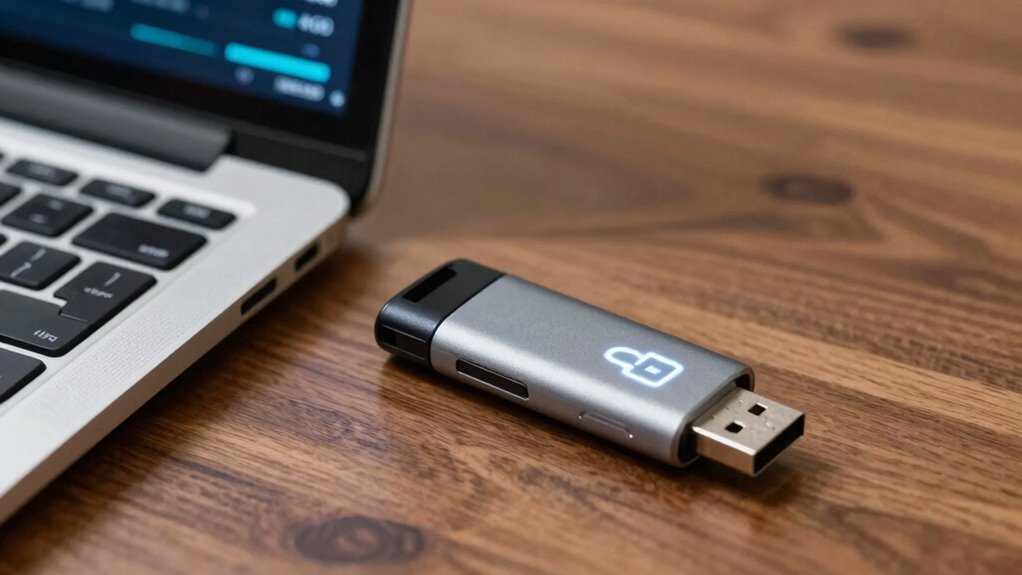

Encrypted USB drives are a simple yet powerful way to protect your data and avoid disaster. They turn your USB into a secure vault by scrambling files so only you can access them with a decryption key. Their portable design makes carrying important data easy, but encryption adds vital security if the device is lost or stolen. Using these drives regularly guarantees your sensitive information stays private. To find out how to implement this essential backup rule, keep exploring the details.

Get hardware and tech essentials delivered free — and shop member deals
- Fast, free delivery on millions of items
- Access to Prime Big Deal Days deals on October 6–7
- Prime Video, Amazon Music and more included
Key Takeaways
- Encrypted USB drives protect sensitive data from unauthorized access if lost or stolen.
- They serve as a reliable backup solution, preventing data loss during emergencies.
- Easy-to-use encryption features encourage consistent, secure data protection practices.
- Encryption ensures data remains private, even outside the original device or location.
- Combining portability with strong encryption minimizes disaster risks and enhances overall data security.
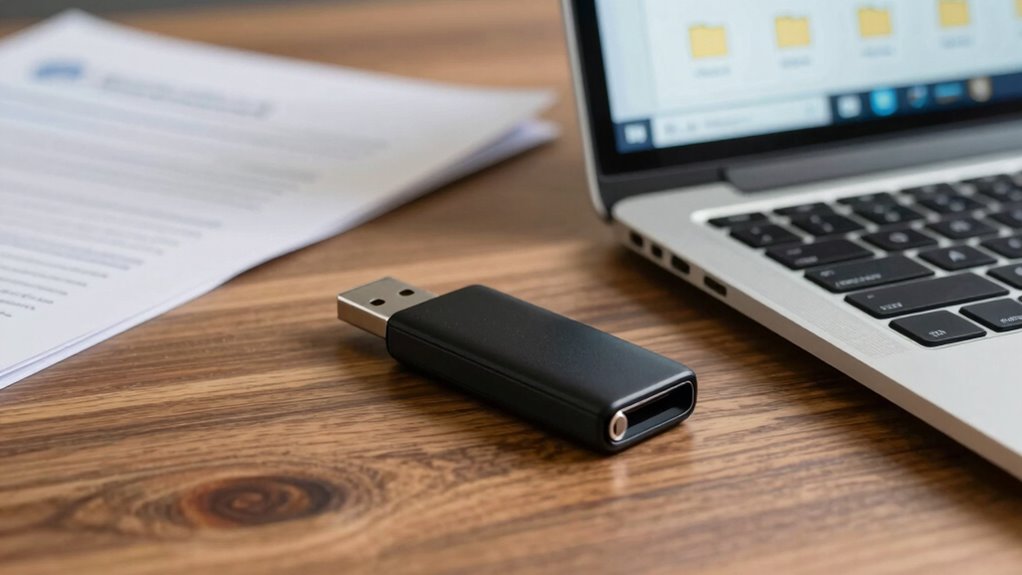
Using data encryption on your USB drives transforms your device into a secure vault. When you encrypt data, you scramble it so that only authorized users with the decryption key can access it. This process is seamless, often built into the drive’s hardware or available through easy-to-use software. The beauty of encryption is that it doesn’t require you to change how you use the drive daily—just activate the encryption feature, and your data remains protected at all times. Whether you’re storing personal photos, financial documents, or work files, encryption ensures that your sensitive information stays private, even if your portable storage device falls into the wrong hands.
One of the key advantages of encrypted USB drives is their portability. They’re designed to be compact and convenient, so you can carry important files with you wherever you go. But this very portability makes them vulnerable without proper protection. Encrypting your USB drive is a simple step that drastically reduces the risk of data breaches. It’s like adding a lock to your digital safe. Without the decryption password, anyone who finds your drive can’t access your files, making it an essential safeguard for travelers, professionals, or anyone handling sensitive data regularly. Additionally, understanding encryption technology helps you appreciate how these drives keep your information secure. Recognizing the importance of data security reinforces why encryption is so vital in today’s digital landscape. Being aware of cyber threats further emphasizes the need for robust protection measures. Gaining knowledge about data security practices can further enhance your overall protection strategies.
Furthermore, encrypted USB drives are often user-friendly. Many models come with built-in encryption tools that require just a few clicks to activate, and some even support biometric access, like fingerprint recognition, adding an extra layer of security. This simplicity encourages consistent use, which is critical because the most secure data is the data that’s protected at all times. Plus, since encryption doesn’t slow down your device or interfere with your workflow, it’s a practical solution that integrates smoothly into your daily routine. Understanding encryption technology can further help you maximize your data protection strategies.
In short, adopting encrypted USB drives is a straightforward, effective way to keep your data safe. They combine the convenience of portable storage with robust data encryption, offering a reliable backup rule that prevents disaster and keeps your sensitive information secure, no matter where you are.
encrypted USB drives with biometric access
As an affiliate, we earn on qualifying purchases.
As an affiliate, we earn on qualifying purchases.
Frequently Asked Questions
Are Encrypted USB Drives Legal Everywhere?
Encrypted USB drives are generally legal everywhere, but you must consider legal compliance and privacy implications. Some countries regulate encryption use, requiring specific disclosures or restrictions, especially for sensitive data. You should research local laws before using encrypted drives internationally, as non-compliance could lead to legal issues. Staying informed helps you confirm you’re respecting privacy regulations while maintaining the security of your data.
How Long Does Encryption Take on a USB Drive?
Encryption speed on a USB drive varies based on factors like drive capacity, hardware, and encryption type. Typically, it can take anywhere from a few minutes for small files to over an hour for larger drives with high data volumes. For maximum USB drive security, you should allow enough time for thorough encryption, especially with high-grade algorithms, to guarantee your data remains protected without risking incomplete encryption.
Can Encrypted USB Drives Be Hacked?
Imagine locking your data behind a sturdy vault; even then, hackers might find a way in. Encrypted USB drives can be hacked, especially if password protection is weak or data recovery tools are exploited. Strong encryption and complex passwords considerably reduce your risk, but no system is invulnerable. Stay vigilant, update your security practices regularly, and remember that the best defense combines encryption with careful management of access and recovery options.
What Is the Best Encryption Software for USB Drives?
You should choose VeraCrypt for your USB drive encryption because it offers robust security with customizable password strength, making it harder for hackers to crack. VeraCrypt also balances encryption speed and security effectively, ensuring your data stays protected without slow performance. Its open-source nature allows regular updates and transparency, making it a top choice for secure, reliable encryption that’s easy to use and highly customizable.
Are Encrypted USB Drives Compatible With All Operating Systems?
Encrypted USB drives are generally compatible with most operating systems, but your experience may vary depending on the encryption standards used. For data recovery, some systems might require specific software or keys to access encrypted content. To guarantee smooth access across platforms, choose drives that support common encryption standards like AES. Always verify compatibility before relying on an encrypted USB drive for important backups, so data recovery remains straightforward when needed.
hardware encrypted USB flash drive
As an affiliate, we earn on qualifying purchases.
As an affiliate, we earn on qualifying purchases.
Conclusion
By encrypting your USB drives, you dramatically reduce the risk of data breaches—studies show that 60% of data loss incidents involve portable storage devices. This simple backup rule can save you from costly disasters and protect your sensitive information. Don’t wait until it’s too late; adopting encryption now guarantees that even if your drive is lost or stolen, your data remains secure. Make encryption a habit and keep your digital life safe.
secure portable USB storage device
As an affiliate, we earn on qualifying purchases.
As an affiliate, we earn on qualifying purchases.
encrypted thumb drive for sensitive data
As an affiliate, we earn on qualifying purchases.
As an affiliate, we earn on qualifying purchases.
Fall Picks
fall essentials
As an affiliate, we earn on qualifying purchases.