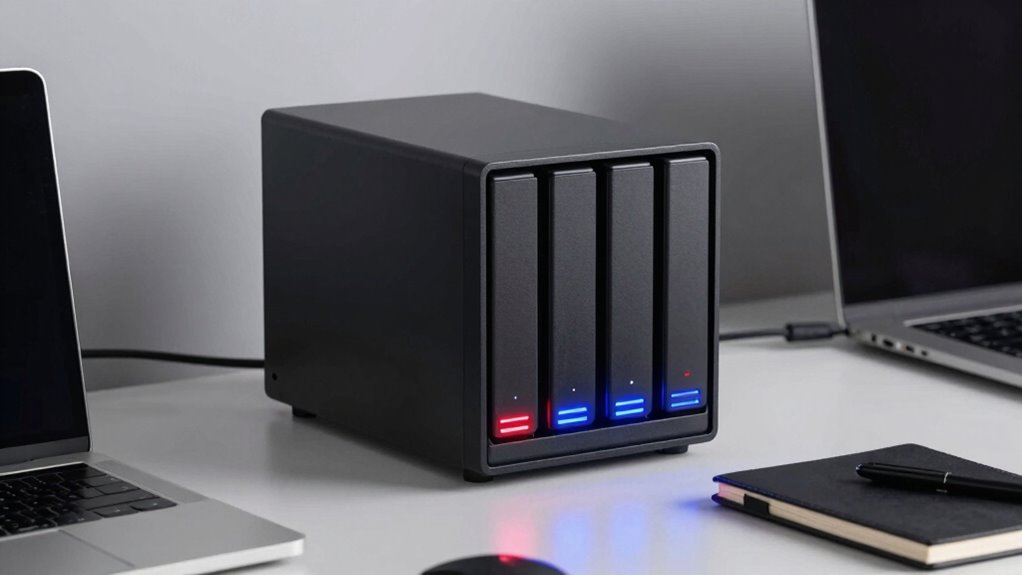

When choosing a 4-bay NAS, many buyers overlook the key trade-off between storage capacity and data protection. RAID 5 gives you more usable space but sacrifices some capacity for parity, which protects against a single drive failure. RAID 10 offers better redundancy and speed but halves your capacity and costs more. Understanding these differences helps you pick the right balance for your needs. Keep exploring to discover how to make the best choice for your situation.
Key Takeaways
- RAID 5 sacrifices some usable capacity for parity, which can affect future expansion and backup strategies.
- RAID 10 offers higher redundancy and performance but at a significantly higher cost and lower overall capacity.
- Choosing RAID levels involves balancing data protection needs against storage efficiency and budget constraints.
- Overlooking storage overhead in RAID 5 may lead to insufficient capacity for growth or backups.
- Understanding RAID trade-offs ensures the NAS setup aligns with both safety priorities and cost efficiency.
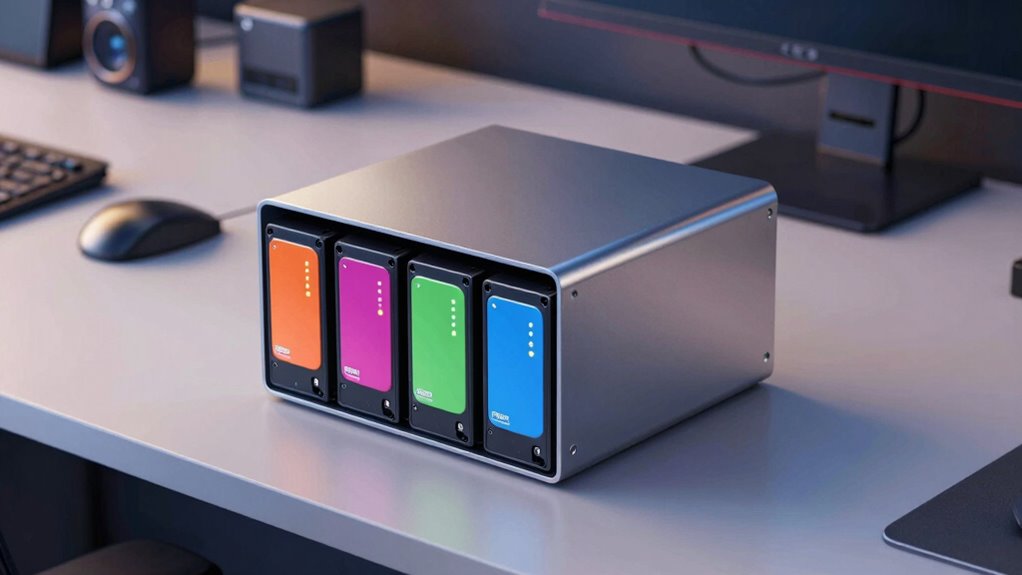
When shopping for a 4-bay NAS, many buyers overlook an important RAID trade-off that can impact both data protection and storage efficiency. While RAID configurations are often chosen for their ability to protect data, it’s essential to understand the specific trade-offs involved. In particular, focusing solely on data redundancy can lead you to underestimate how different RAID levels influence cost efficiency and usable storage capacity.
RAID 5 is a popular choice for 4-bay NAS units because it strikes a balance between data redundancy and storage efficiency. With RAID 5, you get the ability to survive a single drive failure without losing data, which appeals to many users. However, this setup also means that one drive’s worth of storage is dedicated to parity information, reducing overall usable capacity. This trade-off is significant because it directly impacts your cost efficiency. You’re paying for additional storage capacity, but not all of it is usable, which can seem inefficient if you’re trying to maximize storage for your budget.
Many buyers focus on the safety net RAID 5 provides and might not consider the storage overhead. They might assume that more drives automatically equal more usable space, but RAID configurations like RAID 5 shift some capacity away from data storage to ensure redundancy. If your priority is to maximize cost efficiency, you’ll want to carefully evaluate whether the added protection justifies the reduction in available storage. If you’re only storing small amounts of data or can afford external backups, you might find RAID 5’s overhead less appealing. Understanding the RAID trade-offs is crucial for making an informed choice that aligns with your storage needs and budget. Additionally, considering the storage overhead can help you better plan your expansion or backup strategies.
On the other hand, RAID 10 offers excellent data redundancy and performance, but at a higher cost. It requires at least four drives, and because it mirrors data across pairs of disks, you lose half of your total storage capacity. That means if you have four 4TB drives, you only get about 8TB of usable space, which might not be the most cost-effective solution if storage capacity is your main concern. You need to weigh whether the added data protection and speed are worth the reduced capacity and higher initial investment.
Ultimately, understanding how different RAID levels impact data redundancy and cost efficiency helps you make an informed decision. Many buyers overlook these trade-offs, focusing instead on capacity or drive counts. But if you want a NAS that aligns with your budget and data protection needs, it’s essential to grasp how RAID configurations influence both the safety of your data and your storage dollars. Recognizing this trade-off ensures you don’t just buy a NAS, but one that truly fits your priorities. Understanding RAID trade-offs is key to making a well-informed purchase decision.

ORICO 4 Bay Raid Hard Drive Enclosure Support 8 RAID Modes for 3.5inch HDD Max up to 88TB for External Direct Attached Storage, Efficient Expansion Backup(Alluminum Alloy)-9848RU3
- Flexible RAID Modes: Supports 8 RAID configurations including RAID 0, 1, 3, 5, 10, JBOD, Clone, Clear
- High Storage Capacity: Supports up to 88TB with 3.5-inch SATA disks
- Fast Data Transfer: USB 3.0 with SATA 6Gbps, up to 235 MB/s
As an affiliate, we earn on qualifying purchases.
As an affiliate, we earn on qualifying purchases.
Frequently Asked Questions
How Does RAID Affect Data Recovery Options in 4-Bay NAS?
RAID affects your data recovery options by providing data redundancy, which helps protect against drive failures. For example, RAID 5 can recover data if one drive fails, but recovery complexity increases with more failed drives or complex RAID levels. You should understand that while RAID enhances protection, it isn’t a substitute for regular backups, as multiple drive failures or corruption can still lead to data loss.
What Is the Impact of RAID on NAS Power Consumption?
RAID can turn your NAS into a power-hungry beast, increasing energy consumption, especially during rebuilds or when running multiple drives. You’ll want to weigh energy efficiency to keep power bills in check. Also, check hardware compatibility because some RAID levels demand specific hardware setups that might affect overall power use. Balancing performance, redundancy, and power consumption helps you optimize your NAS for both energy savings and reliable operation.
Can RAID Configurations Be Changed Without Data Loss?
Yes, you can usually change RAID configurations without losing data, but it depends on your NAS model’s firmware compatibility. During the process, encryption vulnerabilities could be exploited if security isn’t maintained, so verify your firmware is up to date. Always back up your data first, as some configurations may require rebuilding arrays, risking data loss if issues arise. Proper planning minimizes risks and keeps your data safe.
How Does RAID Performance Vary With Different Drive Types?
Drive performance varies vastly with different drive types; traditional HDDs deliver reliable but slower speeds, while SSDs offer rapid, responsive performance. Your drive compatibility influences how well your NAS can optimize performance, as mismatched drives can bottleneck data flow. To maximize performance, choose drives suited for your specific RAID setup, ensuring swift data access and seamless performance. Proper drive selection and compatibility are key to performance optimization in your NAS.
Is RAID Suitable for Small Business Data Backup Needs?
RAID can be suitable for your small business backup needs, especially when combined with cloud synchronization for off-site safety. It offers redundancy and faster data access, but you need to verify hardware compatibility with your NAS device. Keep in mind, RAID isn’t a substitute for regular backups, so supplement it with cloud storage or external backups. This way, you’ll protect your data against hardware failure, theft, or disasters effectively.

UGREEN NAS DXP4800 Pro 4-Bay Desktop Network Attached Storage (Diskless)
- High-Performance NAS Engine: Built for demanding workflows and virtualization
- Powerful Core Hardware: Intel Core i3-1315U, 8GB DDR5 RAM, up to 96GB
- Fast Network Connectivity: Dual 10GbE and 2.5GbE ports for rapid data transfer
As an affiliate, we earn on qualifying purchases.
As an affiliate, we earn on qualifying purchases.
Conclusion
You might think a 4-bay NAS covers all your needs, but missing this RAID trade-off can cost you data security and performance. It’s like choosing speed over safety—initial convenience, but long-term risks. Remember, sacrificing this balance isn’t just a small oversight; it’s a gamble with your data’s future. Sometimes, the smartest choice isn’t the easiest one. Don’t overlook the trade-off now, or you might regret it later when recovery becomes costly and complex.
As an affiliate, we earn on qualifying purchases.

BUFFALO LinkStation 210 2TB 1-Bay NAS Network Attached Storage with HDD Hard Drives Included NAS Storage that Works as Home Cloud or Network Storage Device for Home
- Centralized Storage with RAID: Provides backup for all devices
- Easy Network Connection: Connects to router for shared storage
- Compatible with Windows and macOS: Supports multiple operating systems
As an affiliate, we earn on qualifying purchases.
As an affiliate, we earn on qualifying purchases.