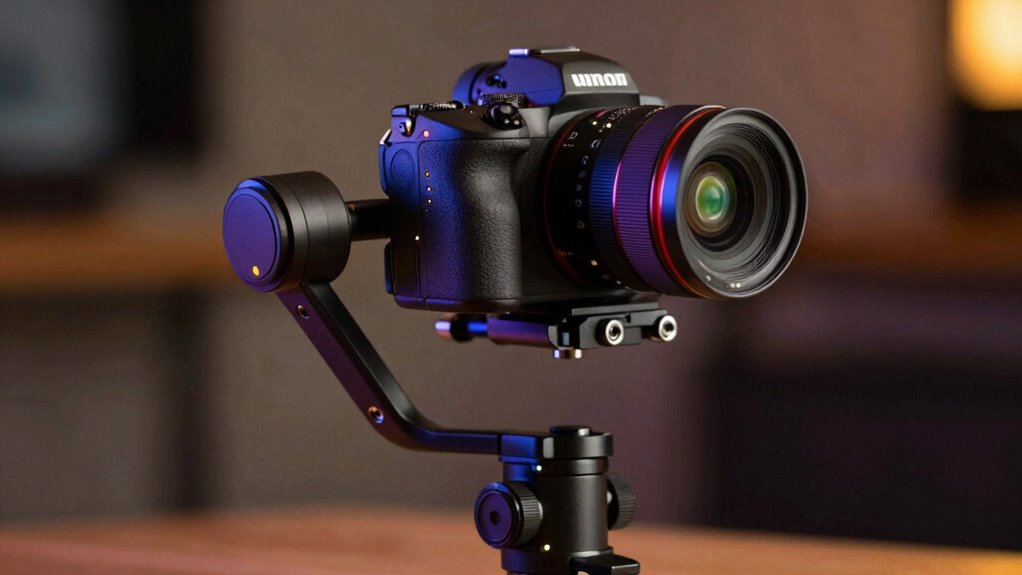
If you balance your mirrorless gimbal incorrectly, you risk overworking the motors and causing them to burn out. To avoid this, always guarantee your camera is properly balanced on each axis before powering on, centering the weight and preventing uneven loads. Calibrate the gimbal regularly using the manufacturer’s app or menu. Proper setup reduces motor strain, prevents overheating, and keeps your gear safe. Keep watching to learn more about maintaining ideal gimbal performance.
Key Takeaways
- Properly balance your camera on each axis before powering on the gimbal to prevent motor strain.
- Use the manufacturer’s calibration tools to ensure accurate stabilization and avoid overworking motors.
- Regularly check motor temperatures during use and turn off the gimbal if it overheats.
- Avoid skipping calibration steps, as improper setup can cause erratic movements and motor damage.
- Limit continuous operation time and perform cooling periods to extend motor lifespan and prevent burnout.
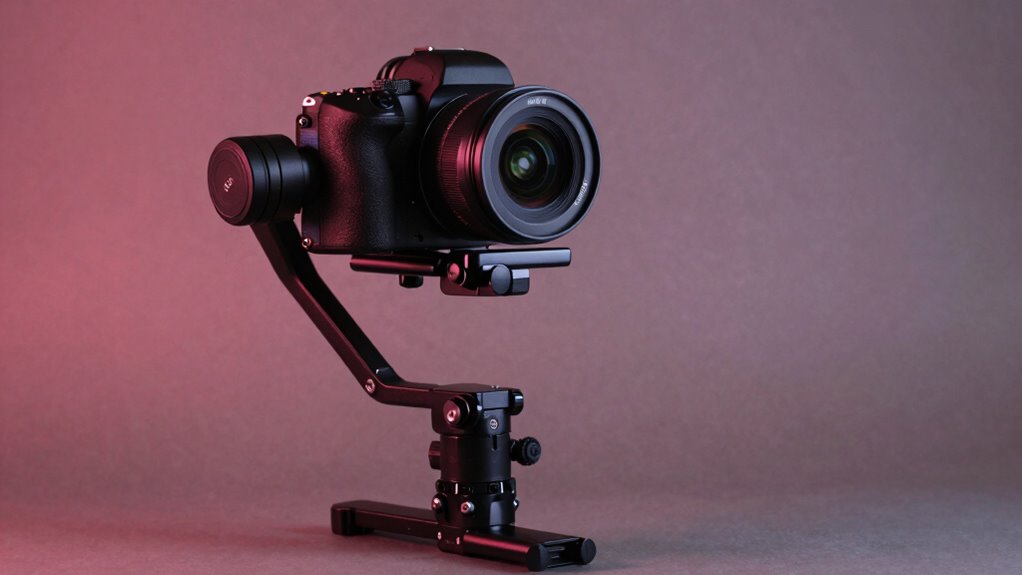
Mirrorless gimbals have become essential tools for videographers and photographers seeking smooth, professional-looking footage. When you’re working with a gimbal, it’s crucial to get it properly balanced and calibrated. If you don’t, you risk causing motor overheating, which can damage your device and halt your shoot. Proper gimbal calibration is the foundation of smooth operation, ensuring that all axes are aligned and balanced. If your gimbal isn’t correctly calibrated, it may struggle to stabilize your camera, forcing motors to work harder than necessary. This extra strain increases the risk of overheating, which can lead to motor failure or erratic movements during critical shots.
Properly balancing and calibrating your mirrorless gimbal prevents motor overheating and ensures smooth, professional footage.
To avoid these issues, always start by balancing your mirrorless camera on the gimbal before powering it on. Make sure the camera is centered and balanced on each axis, with no excessive weight leaning to one side. Once balanced, proceed with gimbal calibration, which typically involves using the manufacturer’s app or onboard menu. This step fine-tunes the motor responses to your camera’s weight and size, helping the gimbal respond smoothly to your movements. If you skip calibration or do it incorrectly, the motors might overcompensate or struggle to stabilize, again increasing the risk of overheating.
It’s also essential to pay attention to how long your gimbal runs continuously. Extended use without giving the motors a break can cause them to heat up, especially if they’re already working hard to stabilize an unbalanced setup. If you notice the motors getting hot, turn off the gimbal and let it cool down before continuing. This simple step can prevent long-term damage and prolong the lifespan of your equipment.
Another tip is to keep your firmware updated, as manufacturers often release improvements that optimize motor performance and heat management. Regularly checking and maintaining your gimbal ensures it runs efficiently, reducing the chance of motor overheating. Additionally, understanding the importance of proper calibration and load management can significantly extend the life of your gimbal motors. Remember, it’s better to spend a few extra minutes on proper setup and calibration than to deal with the frustration of shaky footage or costly repairs. When you balance your gimbal correctly and keep an eye on motor temperature, you’ll enjoy smooth shots and a longer-lasting device. Ultimately, the key is attention to detail—trust your calibration process, don’t ignore overheating signs, and your mirrorless gimbal will serve you reliably on every shoot.
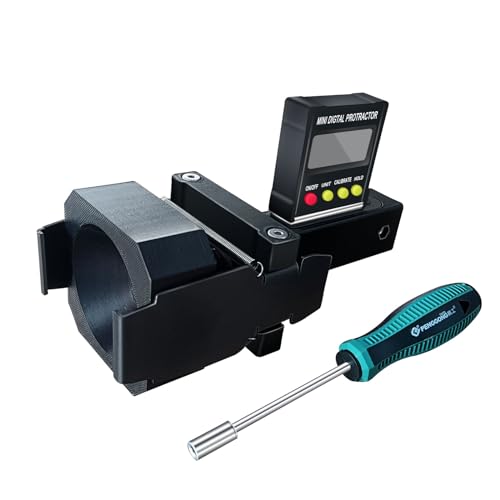
ADAS Calibration Dynamic ACC Positioning Tool for Eyeball Unit, Angso-auto Angle Leveling Tool Accessory for Auto
The ANGSO-AUTO leveling tool is designed to be powered by 2* AAA 1.5 V batteries (Please note that…
As an affiliate, we earn on qualifying purchases.
As an affiliate, we earn on qualifying purchases.
Frequently Asked Questions
Can Mirrorless Gimbals Support Professional Cinema Cameras?
Yes, some mirrorless gimbals can support professional cinema cameras, but you need to check their camera stabilization capabilities and lens compatibility first. Make certain the gimbal’s payload capacity matches your camera’s weight and that it can handle larger, more complex lenses. Properly balanced, these gimbals can deliver smooth shots, but always verify the specs to prevent motor burnout and guarantee peak performance with your professional setup.
How Do I Upgrade Firmware on My Gimbal?
To upgrade your gimbal firmware, first download the latest firmware updates from the manufacturer’s website. Connect your gimbal to your computer or mobile device using the recommended cable or app. Follow the calibration procedures outlined in the manual or app prompts to guarantee proper setup. Carefully follow the on-screen instructions during the firmware update process, and avoid disconnecting the device until the update completes to prevent any issues.
What’s the Best Way to Troubleshoot Motor Overheating?
To troubleshoot motor overheating, first guarantee proper motor cooling by keeping vents clear and avoiding direct sunlight. Reduce gimbal load if it feels too heavy, and avoid prolonged use at high power settings. Regularly check for firmware updates that optimize motor performance. Implement overheating prevention measures like pausing during extended shoots and allowing the motors to cool down. These steps help prevent overheating and prolong your gimbal’s motor life.
Are There Compatibility Issues With Different Lens Sizes?
Yes, compatibility issues can arise with different lens sizes on your gimbal. Always check the gimbal’s weight limits and use appropriate lens adapters when needed. Larger or heavier lenses may strain the motors or cause imbalance, so guarantee your setup doesn’t exceed the recommended weight. Using the right adapters helps maintain proper balance and prevents motor stress, making your footage smoother and your equipment safer.
How Do I Calibrate a New Gimbal for Optimal Performance?
Calibrating your new gimbal is like tuning a fine instrument—you want precision. Start with balancing techniques to guarantee the camera is centered, then use calibration tools to fine-tune motor responses. Power it on and follow the manufacturer’s calibration process, adjusting for tilt, roll, and pan. Proper calibration prevents motor burnout and delivers smooth footage, so don’t skip these steps. Your gimbal will perform at its best when finely tuned and balanced.

FeiyuTech SCORP Mini 3 Pro Camera Gimbal Kit w/AI Tracking 4.0, Detachable Touchscreen Handle, 4.4lb Payload, Gimbal Stabilizer for Mirrorless Cameras, Smartphone, Action Cam (Bag+Light+Pole Included)
Everything You Need In SCORP Mini 3 Pro Kit – Included the must-have accessories: a 10.8" Extension Rod…
As an affiliate, we earn on qualifying purchases.
As an affiliate, we earn on qualifying purchases.
Conclusion
Remember, a poorly balanced gimbal is like a storm waiting to strike—your motors will suffer. But when you get it right, it’s like guiding a gentle breeze, smooth and effortless. By taking the time to balance your mirrorless gimbal properly, you’re not just preventing damage; you’re creating a steady foundation for breathtaking shots. Think of it as planting the roots for your cinematic tree—strong, resilient, and ready to grow. Balance wisely, and let your creativity soar.
gimbal motor temperature monitor
As an affiliate, we earn on qualifying purchases.
As an affiliate, we earn on qualifying purchases.

DJI RS 4, 3-Axis Gimbal Stabilizer for DSLR and Mirrorless Cameras Canon/Sony/Panasonic/Nikon/Fujifilm, 2nd-Gen Native Vertical Shooting, 2-Mode Switch Joystick, Teflon Axis Arms, Camera Gimbal
2nd-Gen Native Vertical Shooting – DJI RS 4 features a new horizontal plate for efficient content creation; simply…
As an affiliate, we earn on qualifying purchases.
As an affiliate, we earn on qualifying purchases.