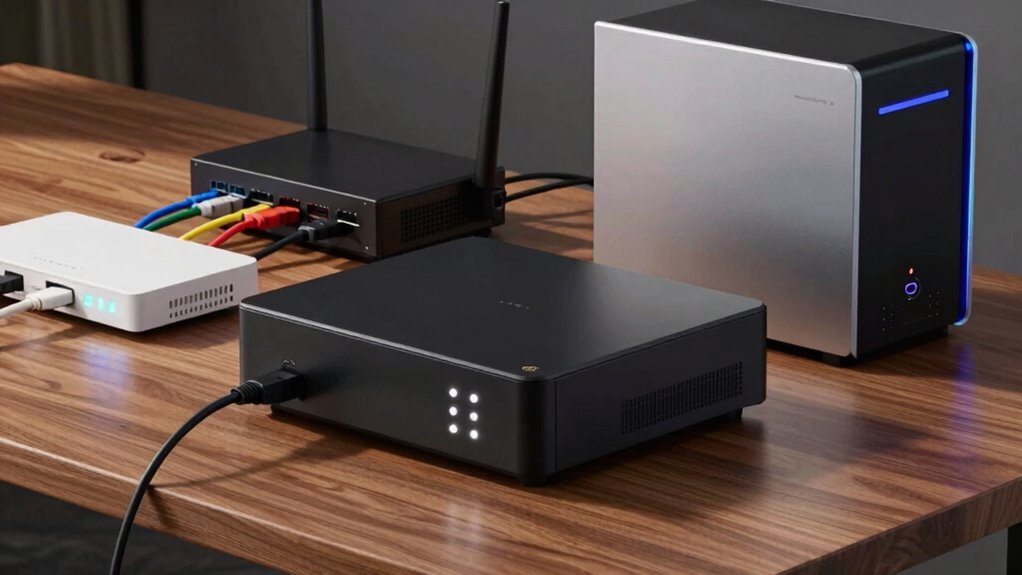

To get the most runtime from your UPS for modem, router, and NAS, avoid just choosing a unit based on total wattage. Instead, carefully assess each device’s power needs and add extra capacity for longer backup time. Many people overlook sizing correctly, which leads to shorter outages. Using a UPS with the right capacity guarantees your critical devices stay online when the power goes out. Hang tight—there’s a simple trick that can make a big difference.
Key Takeaways
- Prioritize a UPS with sufficient battery capacity to match the combined load for extended runtime.
- Use a UPS with advanced surge protection and indicator LEDs to monitor surge integrity and battery health.
- Connect only essential devices to maximize runtime and prevent overload, focusing on modem, router, and NAS.
- Regularly test and replace batteries to maintain optimal backup performance and avoid unexpected shutdowns.
- Consider a UPS with programmable outlets or eco-mode for efficient power management and longer backup duration.
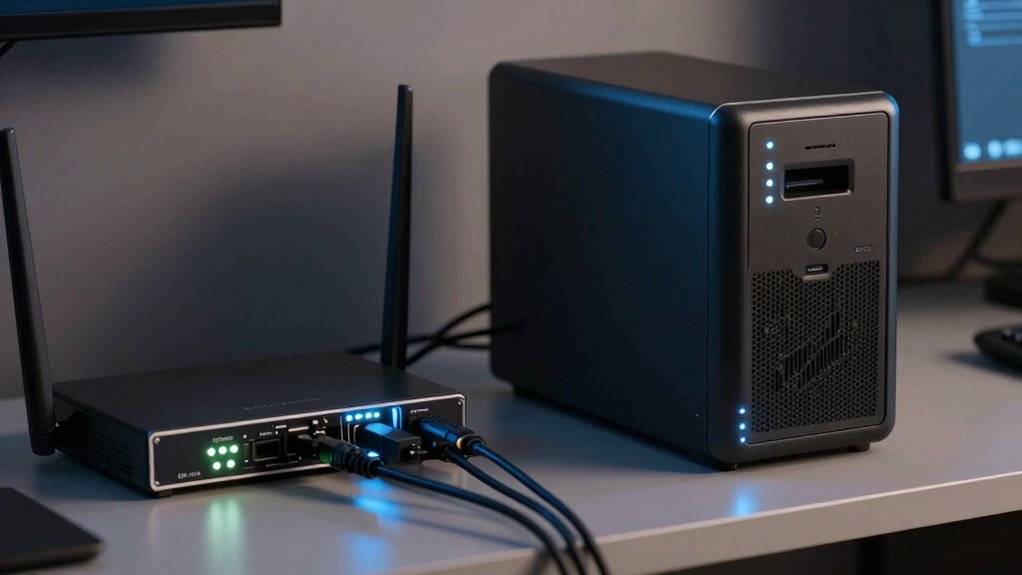
If you rely on your modem, router, and NAS devices for internet access and data storage, investing in a UPS can be a game-changer. A quality UPS not only keeps your network running during power outages but also safeguards your equipment from power surges. When choosing a UPS, two critical factors to consider are battery capacity and surge protection. Battery capacity determines how long your devices stay powered during an outage, while surge protection shields your gear from sudden voltage spikes that could damage sensitive electronics. Understanding these elements helps you pick the right unit to maximize runtime and security.
Start by assessing your power needs. Your modem, router, and NAS together probably consume a modest amount of power, but their combined load influences the size of UPS you should buy. A UPS with sufficient battery capacity ensures you get enough runtime to save your work and shut down properly during an outage. If you want to keep your system running for more than a few minutes, look for models with higher VA (volt-ampere) ratings and larger battery reserves. This extra capacity is especially vital if you’re running a home office or small business where downtime can mean lost productivity or data. Keep in mind that battery capacity isn’t static; it diminishes over time and with frequent use, so choosing a model with a robust, easily replaceable battery can save you headaches down the line.
Surge protection is equally essential. Power surges can occur unexpectedly, whether from lightning strikes or unstable utility supply, and can fry your devices even during brief spikes. A UPS with built-in surge protection prevents these voltage irregularities from reaching your equipment. It acts like a buffer, absorbing excess energy and ensuring that your modem, router, and NAS receive stable power. Many UPS units have indicator lights or alarms to alert you when surge protection is compromised or if the battery needs replacement. This feature is crucial because a UPS with weakened surge protection no longer offers the full safeguard your devices need.
Additionally, understanding the thermal behavior of your UPS can help you maintain optimal performance and longevity. Combining good battery capacity with reliable surge protection is the smartest way to extend your system’s uptime and protect your investment. Properly sizing your UPS ensures you get the most runtime during outages without overspending on unnecessary capacity. Additionally, regular maintenance—like replacing batteries when needed—keeps your UPS functioning at its best. In the end, understanding these key features allows you to select a UPS that not only keeps your essential devices online longer but also shields them from unpredictable power fluctuations, giving you peace of mind no matter what the grid throws your way.

Amazon Basics UPS Battery Backup & Surge Protector, 400VA/255W, 6 Outlets, Uninterruptible Power Supply, Small Compact Size, Black
Standby uninterruptible power supply (UPS) with 400VA / 255W battery backup; ideal for home networks, IoT devices, and...
As an affiliate, we earn on qualifying purchases.
Frequently Asked Questions
Can a UPS Protect Against Power Surges?
Yes, a UPS can help with power surge prevention, but its primary role is to provide backup power during outages. To effectively guard against power surges, you need a surge protector compatible with your UPS. Make sure your UPS includes surge protection features or connect it to a dedicated surge protector. This combination guarantees your modem, router, and NAS stay protected from sudden voltage spikes and surges.
How Long Should a UPS Last During an Outage?
During an outage, a UPS typically lasts between 5 to 30 minutes, depending on its capacity and your device load. To maximize runtime, guarantee you perform regular battery maintenance, like testing and replacing batteries when needed. Also, use surge protection features to prevent damage from power fluctuations. Proper upkeep allows your UPS to provide reliable backup power, giving you time to save work and shut down devices safely.
Is a Larger UPS Always Better for My Setup?
A bigger UPS isn’t always better; it’s like fitting a giant lifeboat for a small boat—overkill and unnecessary. You need a UPS that matches your setup’s power needs, ensuring proper battery maintenance and surge protection. An oversized UPS can waste energy and complicate maintenance. Focus on a unit with enough capacity for your modem, router, and NAS, and prioritize reliable surge protection to keep your gear safe during outages.
How Often Should I Replace My UPS Battery?
You should replace your UPS battery every 3 to 5 years, depending on its battery lifespan and usage. Regularly monitor the battery’s performance, especially if it’s struggling to hold a charge or if the UPS alerts you to battery issues. Frequent replacements ensure your modem, router, and NAS stay protected during power outages, maintaining ideal runtime and reliability. Don’t wait too long, as old batteries can fail unexpectedly.
Does a UPS Affect Internet Speed or Performance?
A UPS generally doesn’t affect your internet speed directly, but it can improve performance by protecting against power fluctuations that cause internet latency. When the power fluctuates or drops, your modem and router might experience interruptions, leading to slower or inconsistent connections. Using a UPS guarantees stable power, reducing latency issues and maintaining consistent internet performance during outages or surges.

Amazon Basics UPS Battery Backup & Surge Protector, 600VA/360W, 8 Outlets, Standby Uninterruptible Power Supply, Power Outage Protection, Compact Design, Black
Standby uninterruptible power supply (UPS) with 600VA / 360W battery backup; ideal for home networks, IoT devices, and...
As an affiliate, we earn on qualifying purchases.
Conclusion
A UPS for your modem, router, and NAS is like a safety net for your digital life. It keeps everything running smoothly, even when the power’s out, so you won’t lose precious data or face unexpected downtime. Don’t wait for a blackout to realize the importance—think of it as installing a backup engine for your home network. Stay protected, stay connected, and keep your digital world spinning effortlessly.

CyberPower EC850LCD Ecologic UPS Battery Backup and Surge Protector, 850VA/510W, 12 Outlets, ECO Mode, Compact, UL Certified
850VA/510W Ecologic Battery Backup Uninterruptible Power Supply (UPS) System uses simulated sine wave output to safeguard workstations, networking...
As an affiliate, we earn on qualifying purchases.

GOLDENMATE 1500VA/1000W Lithium UPS Battery Backup and Surge Protector, Backup Battery Power Supply with LiFePO4 Batteries(296Wh), AVR, Line Interactive Sinewave UPS System, 8 Outlets, LCD Display
[LiFePO4 Battery & Ultra-long Endurance]: This lithium UPS features a cutting-edge Lithium Iron Phosphate (LiFePO4) Battery Pack (51.2V,...
As an affiliate, we earn on qualifying purchases.