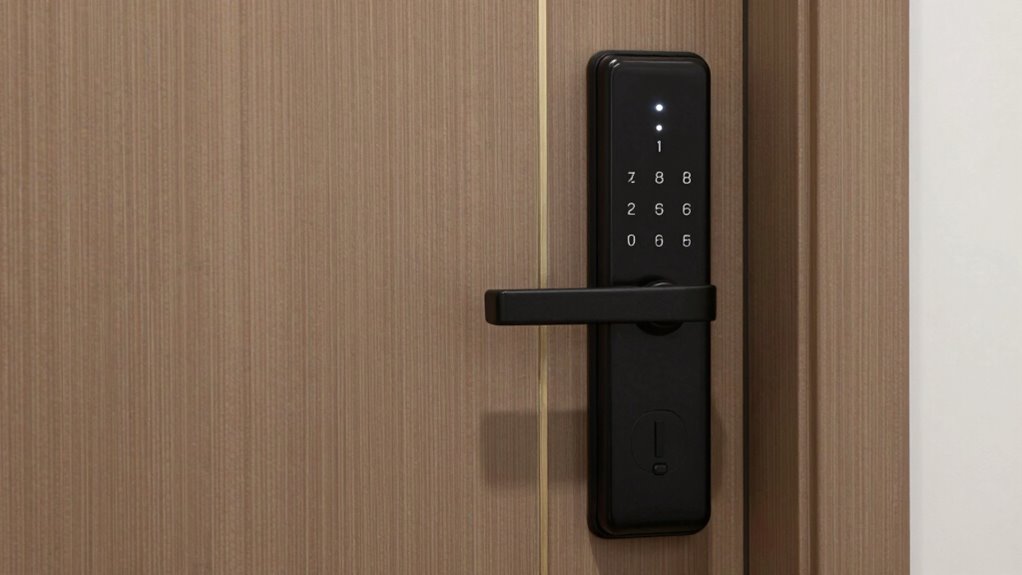

To prevent guessable codes on your keypad smart deadbolt, follow best PIN practices like avoiding common patterns such as 1234 or birthdays. Use complex, unpredictable combinations and don’t reuse PINs across multiple locks. Regularly change your codes and monitor activity logs for suspicious access. Enable notifications if available, and set up unique user codes for better control. Keep your device’s firmware and app updated to enhance security—continue exploring these tips to maximize your home’s protection.
Key Takeaways
- Use complex, unpredictable PINs avoiding common patterns like 1234 or birthdays.
- Change PINs regularly and enable scheduled updates when available.
- Assign unique user-specific codes instead of sharing a single master PIN.
- Monitor access logs to detect suspicious activity and revoke compromised codes promptly.
- Pair the deadbolt with strong Wi-Fi passwords and keep firmware updated for added security.
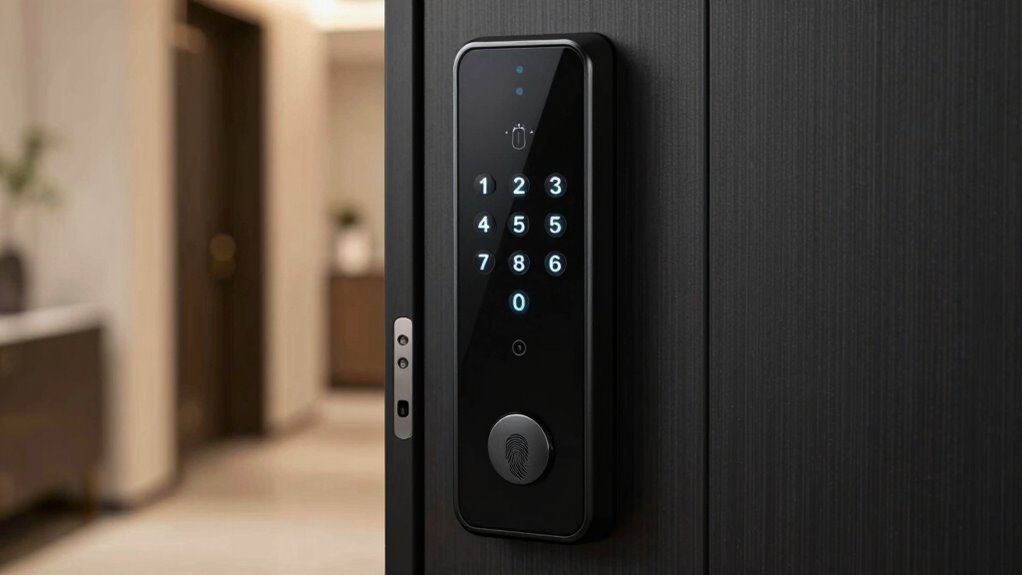
If you’re looking to upgrade your home security, keypad smart deadbolts offer a convenient and secure solution. These devices combine digital security with user convenience, making it easier to control access without the fuss of traditional keys. Instead of worrying about lost keys or lockouts, you simply enter a code on the keypad. But while digital security features are appealing, they also require careful management of your PINs to prevent unauthorized access. The key to maximizing the benefits of a keypad deadbolt lies in understanding the PIN rules that stop guessable codes and keep your home safe.
First, avoid common or easily guessable codes like 1234, 0000, or your birthday. These are the first choices intruders try when attempting to gain entry. Choose complex, unpredictable PINs with a mix of numbers, and don’t reuse codes across different locks or devices. The more unique your PINs are, the harder they become for someone to guess or crack through brute-force methods. Many keypad deadbolts allow you to set multiple codes for different users, which adds an extra layer of security. Make sure each PIN is distinct and only shared with trusted individuals.
Another important rule is to change your PIN regularly. Just like updating passwords for your online accounts, changing your lock codes reduces the risk if a code has been compromised. Some smart deadbolts offer automatic or scheduled code changes, which can further improve your digital security. Additionally, be mindful of how and when you share your PINs. Avoid writing them down in obvious places or sharing them over unsecured channels. Instead, use secure methods to communicate codes to family members or trusted visitors.
Many keypad smart deadbolts also include activity logs or notifications, allowing you to monitor when codes are used. Take advantage of these features to track access and detect any suspicious activity early. If you notice an unfamiliar code being used, change your PIN immediately and revoke access if possible. Also, set up user-specific codes rather than sharing a single master code; this way, you can disable or update individual PINs without affecting others.
Lastly, consider the overall security of your digital ecosystem. Pair your keypad deadbolt with a strong Wi-Fi password and keep your app and firmware updated. This prevents hackers from exploiting vulnerabilities in your connected devices. By following these PIN rules—avoiding guessable codes, regularly updating passwords, and monitoring activity—you ensure that your keypad smart deadbolt provides ideal digital security and user convenience. Understanding the role of technology in home security helps you make informed decisions about device features and best practices. With thoughtful PIN management, you can enjoy the peace of mind that comes from knowing your home is both accessible to trusted people and well-protected against intruders.
Frequently Asked Questions
How Often Should I Change My Keypad PIN?
You should change your keypad PIN every three to six months to maintain strong security protocols. Regular updates prevent unauthorized access and keep your PIN complex, making it harder for hackers to guess. Avoid using easily guessable numbers like birthdays or simple sequences. By updating your PIN regularly and choosing complex combinations, you guarantee your keypad deadbolt stays secure and protected against potential threats.
Can I Set Temporary Access Codes for Guests?
Think of guest access management as handing out temporary keys during a party. Yes, you can set temporary access codes that automatically expire, aligning with your PIN expiration policies. This way, guests get the access they need without lingering privileges. You control the duration, ensuring security stays tight, and once the time’s up, the code disappears like a guest leaving, preventing any uninvited entry afterward.
Are Keypad Deadbolts Vulnerable to Hacking?
Yes, keypad deadbolts can be vulnerable to hacking if digital security isn’t prioritized. Hackers might use methods like brute-force attacks or exploit weak PINs. To prevent this, you should follow best hacking prevention practices, such as setting complex, unique PINs and enabling multi-factor authentication if available. Regularly updating your firmware and monitoring access logs also help keep your smart lock secure against potential cyber threats.
What Should I Do if I Forget My PIN?
Losing your PIN feels like a disaster of epic proportions, but don’t panic! You should quickly use the password reset feature if available, or contact the manufacturer for guidance. Many keypad deadbolts have an emergency override option—usually a physical key—that lets you disengage your door securely. Remember, staying calm and following the reset or override instructions will get you back inside without stress.
Do Keypad Deadbolts Work During Power Outages?
Yes, keypad deadbolts often work during power outages if they have a battery backup. This allows you to open your door even when the power’s out. Additionally, most models include a manual override, such as a key, so you can still access your home if the electronic system fails. Always check that your deadbolt has these features to guarantee reliable security and access during emergencies.
Conclusion
Think of your keypad smart deadbolt as the fortress guarding your home—strong, secure, and built to keep intruders out. By following the PIN rules and avoiding guessable codes, you’re crafting an unbreakable code that’s as tough as steel. Remember, every secure code you set is like a moat around your castle, defending what matters most. Stay vigilant, choose wisely, and keep your home safe from unwelcome guests. Your peace of mind depends on it.